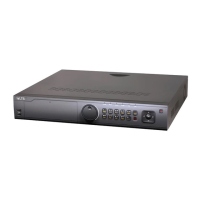
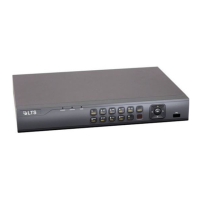
Quick Operation Guide of -7200/7300FH/WH/ HV Series DVR
4
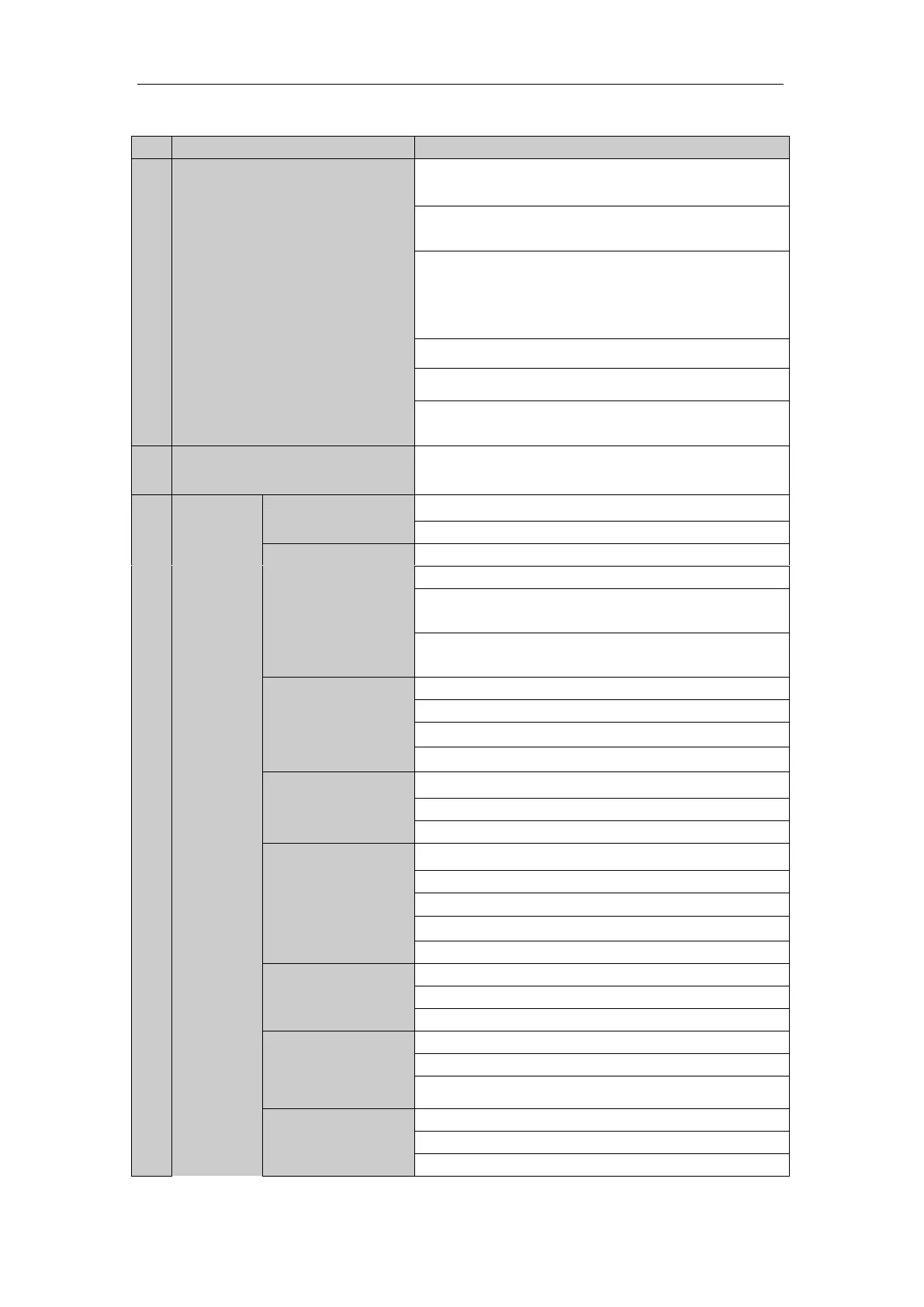
Table 1 Description of Control Panel Buttons
POWER: the POWER indicator turns green when NVR is
powered up.
READY: The indicator light is green when the device is
running normally.
STATUS: 1.The light is green when the IR remote control is
enabled; 2.The light is red when the function of the composite
keys (SHIFT) are used; 3. The light is out when none of the
above condition is met/
ALARM: the light is red when there is an alarm occurring.
HDD: the indicator flickers red when HDD is reading/writing.
Tx/Rx: TX/RX indicator flickers green when network
connection is functioning normally.
Universal Serial Bus (USB) ports for additional devices such as
USB mouse and USB Hard Disk Drive (HDD).
Access the main menu interface.
The F1 button when used in a list field will select all items in
the list.
In PTZ Control mode, it will turn on/off PTZ light and when
the image is zoomed in, the key is used to zoom out.
The F2 button is used to change the tab pages.
In PTZ control mode, it zooms in the image.
Exit and back to the previous menu.
Delete characters before cursor;
Check the checkbox and select the ON/OFF switch;
Start/stop record clipping in playback.
Playback, for direct access to playback interface.
Open the manual record interface.
Access PTZ control interface.


 To Next Page
 Loading...