1 Introduction
1.1 Product Features
The camera is applicable for both indoor and outdoor
conditions, and the application scenarios include road,
warehouse, underground parking lot, bar, etc..
The main features are as follows:
High performance CMOS sensor
Low illumination, 0.008 Lux @ (F1.2, AGC ON), 0 Lux
with IR
IR cut filter with auto switch
OSD menu with configurable parameters
Auto white balance
Internal synchronization
SMART IR mode
PoC (with -E)
3-axis adjustment
1.2 Overview
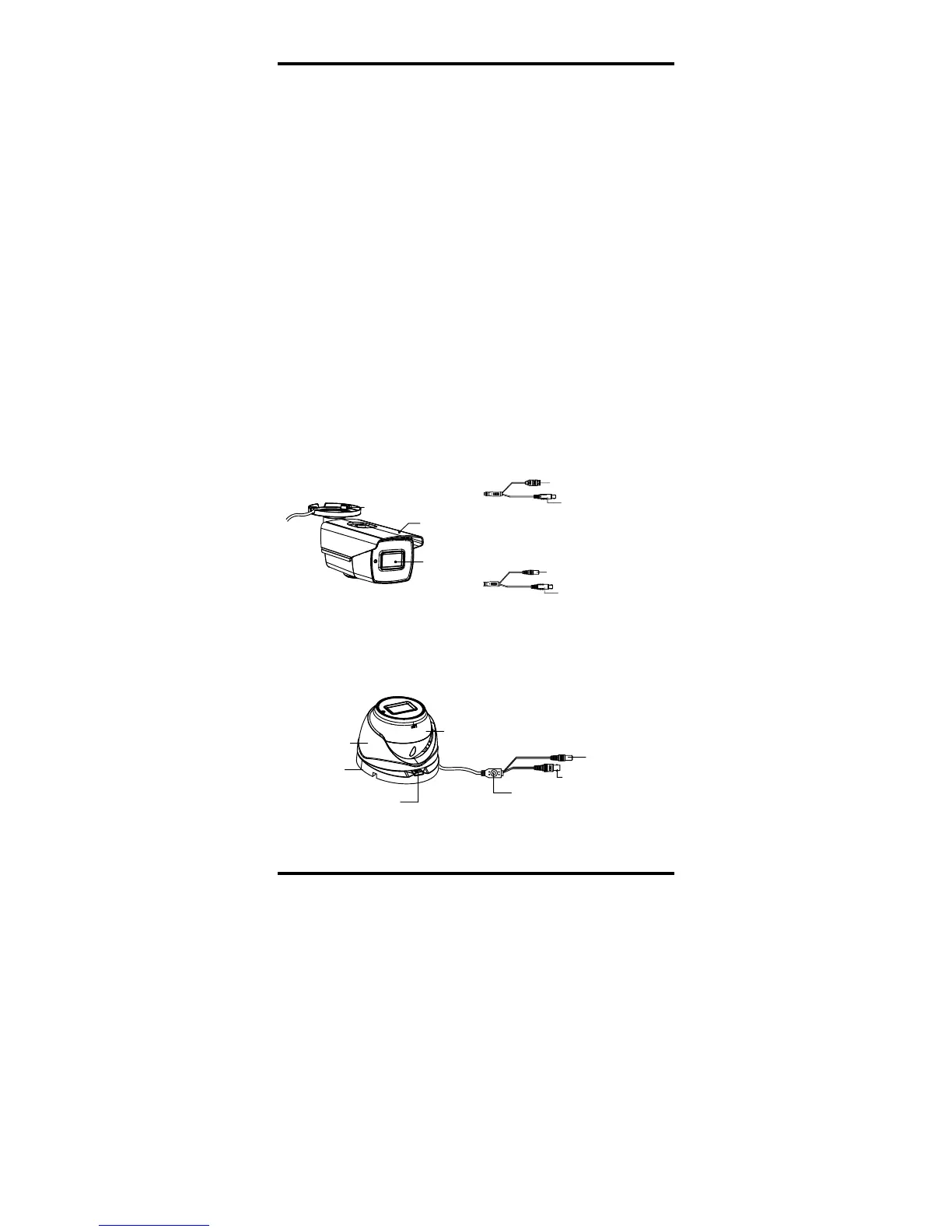
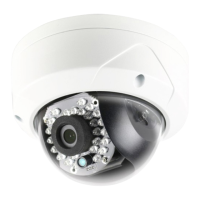
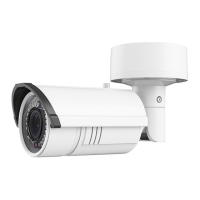
1.2.1 Overview of Type I Camera
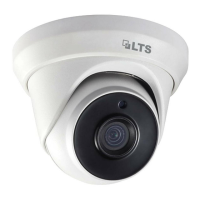
Figure 1-2 Overview of Type II Camera
2 Installation
Before you start:
Make sure that the device in the package is in good
condition and all the assembly parts are included.
Make sure that all the related equipment is power-off
during the installation.
Check the specification of the products for the
installation environment.
Check whether the power supply is matched with
your power output to avoid the damage.
Make sure the wall is strong enough to withstand
three times the weight of the camera and the
bracket.
If the wall is cement, insert expansion bolts before
installing the camera. If the wall is wooden, use
self-tapping screws to secure the camera.
If the product does not function properly, contact
your dealer or the nearest service center. Do NOT


 To Next Page