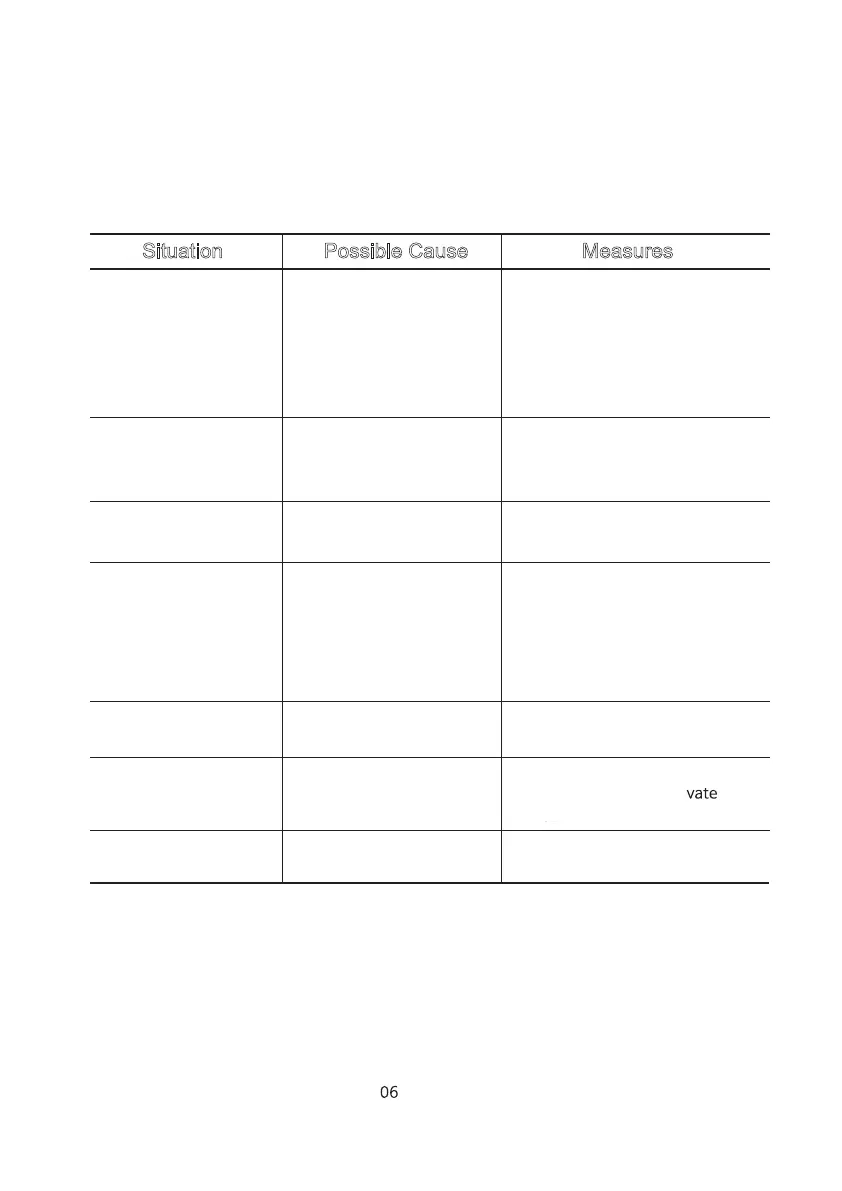
“Lo_bAt” message
appears
TROUBLE-SHOOTING
Situation Possible Cause Measures
No response when
START button pressed
Alarm continues
ringing and safe does
not work
“Err-03” message
appears
Cannot change
passcode
Forgot passcode
“Act” message
appears
• Battery discharge
• Incorrect insertion of
batteries
• Keypad Lock mode ON
• Circuit error
• Replace Alkaline batteries
• Confirm correct insertion of
batteries
• Press START for 3seconds to
deactivate Leypad Lock mode
• Contact Service Centre
• Enter correct passcode or wait
for 3 minutes until alarms stops
• Enter correct passcode
• Enter passcode within 5 seconds
• Contact Service Centre
• Contact Service Centre
• 5 times wrong
passcode input
• Incorrect passcode
• Low battery
• Keypad Lock
mode ON
• Exceed time limit
when changing passcode
• Keypad maifunction
• Button error
• Press START button for
3 seconds to deactivate
Keypad Lock mode
• Replace batteries with new
ones, preferrably Alkaline



 To Next Page