8-16 Minutes In a hover.
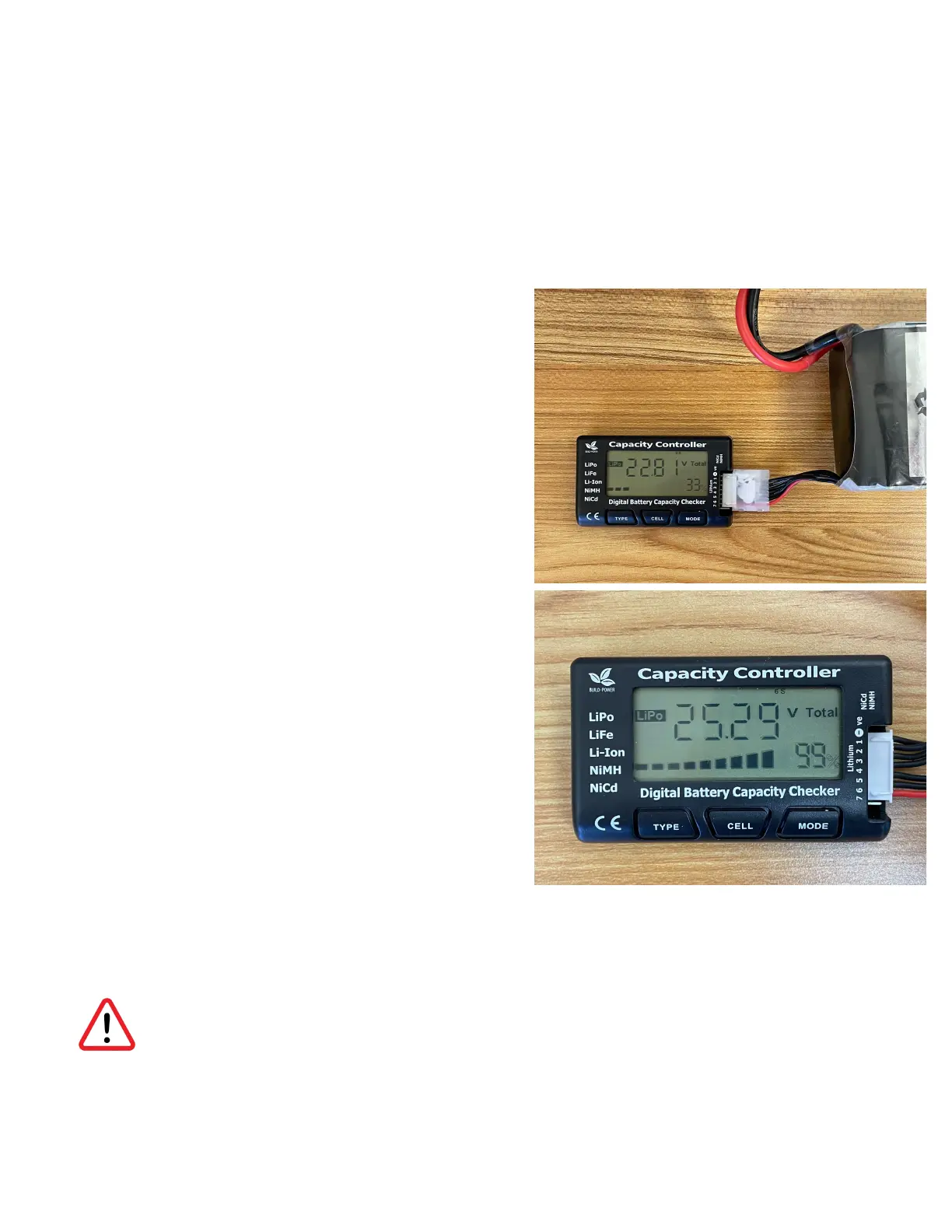
How to confirm batteries are fully charged:
1. Battery Voltage Gauge
a. To display battery voltage, please plugin
the Battery Balance cable into Battery
Voltage indicator
i. To plug battery balance cable into
indicator, ensure that the red wire is
closest to the bottom of the battery
indicator. Balance plug plastic
guides will be on the top of the
balance plug facing the pilot when
plugging it it.
b. Fully Charged Battery will Display over 25
to 25.29 Volts
2. Drone Voltage Display
a. Plug Batteries into drone, turn on the
remote. Enter QGround Control
application on the remote and press the
battery icon located on the top of the app
interface to display aggregate battery
voltage.
b. Fully Charged battery will display over 50
volts (Aggregate of both batteries combined)
Please note the C1 drone will not take off in the event that battery voltage is below 42
volts.
Checking Battery Status & Remaining Flight Time



 To Next Page