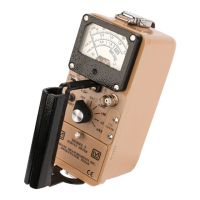
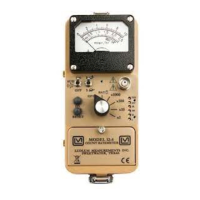
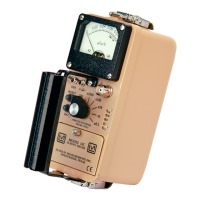
Model 19 MICRO R METER Technical Manual Section 6
Ludlum Measurements, Inc. Page 6-2 February 2012
SYMPTOM
No power (or meter
does not reach BAT
TEST
or BAT OK
mark) (continued)
Nonlinear Readings
Meter goes full-scale
or “pegs out”
POSSIBLE SOLUTION
3. Check battery contacts. Clean them
with rough sandpaper or use an
engraver to clean the tips.
4. Check for loose or broken wires,
especially between the main board
and the calibration board.
1. Check the high voltage (HV) by
pressing the HV TEST button. If a
multimeter is used to check the HV,
ensure that one with high impedance
is used, as a standard multimeter
could be damaged in this process.
2. Check for “sticky” meter movement.
Does the reading change when you
tap the meter? Does the meter needle
“stick” at any spot?
3. Check the “meter zero.” Turn the
power OFF. The meter should come
to rest on “0.”
1. Check the HV and, if possible, the
input threshold for proper setting.
2. Check for loose wires, especially
between the main board and the
calibration board.



 To Next Page