User's Guide ... 1
+LJK'HILQLWLRQ
↟
Be sure to read the manual for the correct use of this product.
↟
rs for the functional
improvement of product.
↟
↟
This product is an accessory for safe driving. In case of the car accident, all responsibility lies on the consumer.
Therefore, use it appropriately for its purpose.
↟
In some PC products, Lukas viewer may not be supported.
↟
generating electromagnetic waves. Install blackbox as far as possible from the antennas of other devices.
The operation of blackbox can influence other electronicdevices(FM, DMB etc.) and degrade the reception sensitivity by
↟
In a dim area, it may generate a noise in the recorded image.
↟
the one who drives a car or monitors cars in the parking lot at night.
↟
When connecting GPS, be sure to cut off the power of blackbox.
↟
In the event of sudden frame change or recording mode change, it causes a loss in image data (0~5sec).
↟
When installing it, be careful not to interfere the driving with it. We have no responsibility in the car accident due to the
wrong installation.
↟
When the car is stopped or parked, the recorded image may be shaken due to the car vibration.
↟
e generated.
↟
Motion detection may be malfunctioned due to changes in
surrounding amount of light, weather and surrounding environment.
↟
This product is designed to supply 3 line power (B+, ACC, GND)
with built-in low voltage cut-off function.
User's Manual
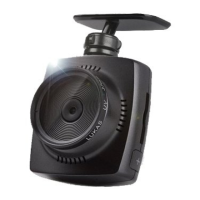
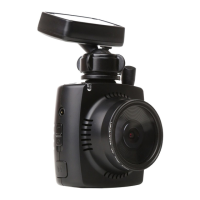
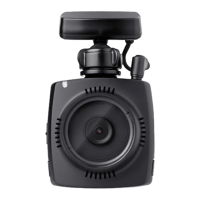
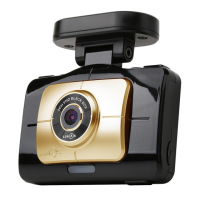
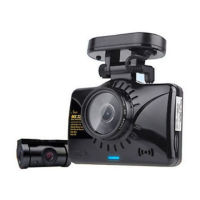
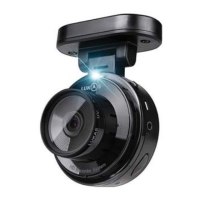
Driving Recorder(Dashcam)
LK-6200
Plus

 Need help?
 General

 To Next Page