User’s Manual ... 98 ... Lukas Blackbox
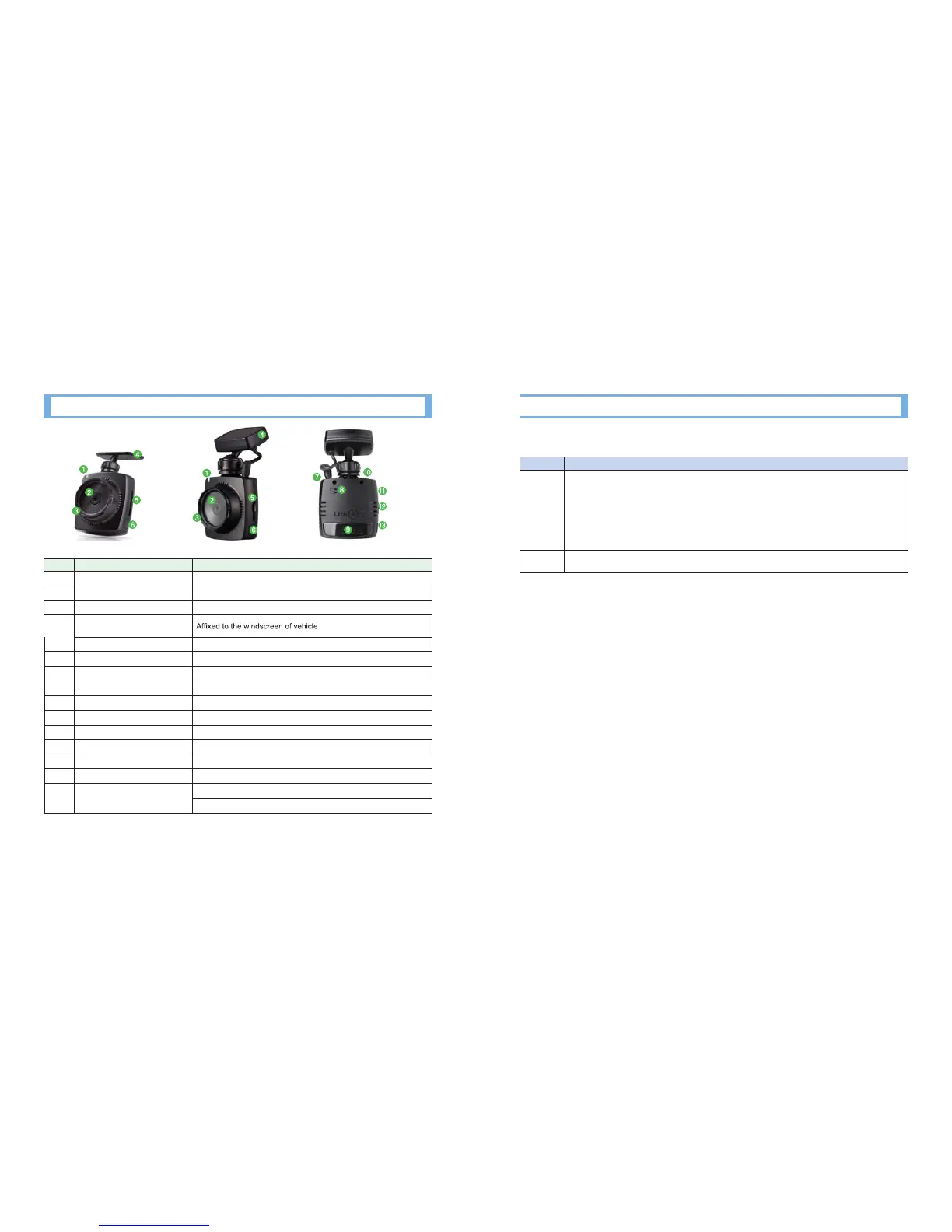
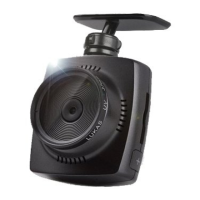
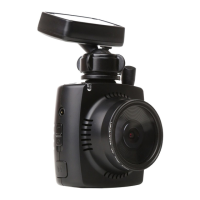
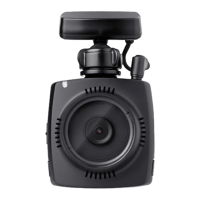
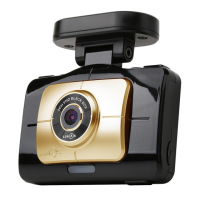
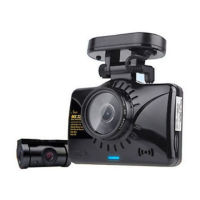
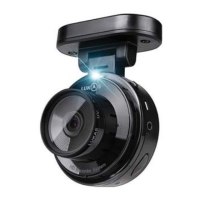
3. Names of Product Parts
Name Function
1 Security LED LED is kept on while power is on
2 Lens Image Shooting, CMOS digital sensor
3 37mm UV Filter Lens Protection
4
Mounting Bracket
(LK-6200Plus)
GPS(LK-6200G Plus) Receives GPS info such as location, time, speed etc
5 SD Card Slot For Insertion/Removal of SD Card
6 Emergency Recording Button (E)
Press it longer than 3 sec: Change of Driving ↔ Parking Mode
Press it shorter than 2 sec: Emergency Recording
7 GPS In GPS connection
8 Speaker Output of various voice guidance and buzzer sound
9 Segment LED Displays time, speed, status etc
10 DC In Power supply
11 AV-Out Real time video output of blackbox using video output terminal
12 Power Switch Switch for power on/off
13 Voice Recording Button (M)
Press it longer than 3 sec: Segment LED On/Off
Press it shorter than 2 sec: Voice Recording On/Off
※
<LK-6200 Plus> <LK-6200G Plus>
[Formatting Method of SD Card]
Type Formatting using blackbox
Method
1.
#
Insert SD card into blackbox and turn the power on. Wait until the bootingis complete.
2.
#
Press E(6) and M(13) buttons at the same time.
3.
#
‘For’ blinks on the segment LED window
4.
#
Press E(6) button to format. Formatting starts as ‘For’ stops blinking. Then voice guidance message
sounds. After the completion of formatting, it automatically reboots. (duration time: about 12 sec)
Press M(13) button to cancel
Features Environment setup is initialized. Back up ‘Setup’ folder to maintain the existing set value.
Although voice recording and sound effect On/Off settings are changed with black box button, the configuration
automatically returns to the values set on the viewer when the black box is rebooted.



 To Next Page