3
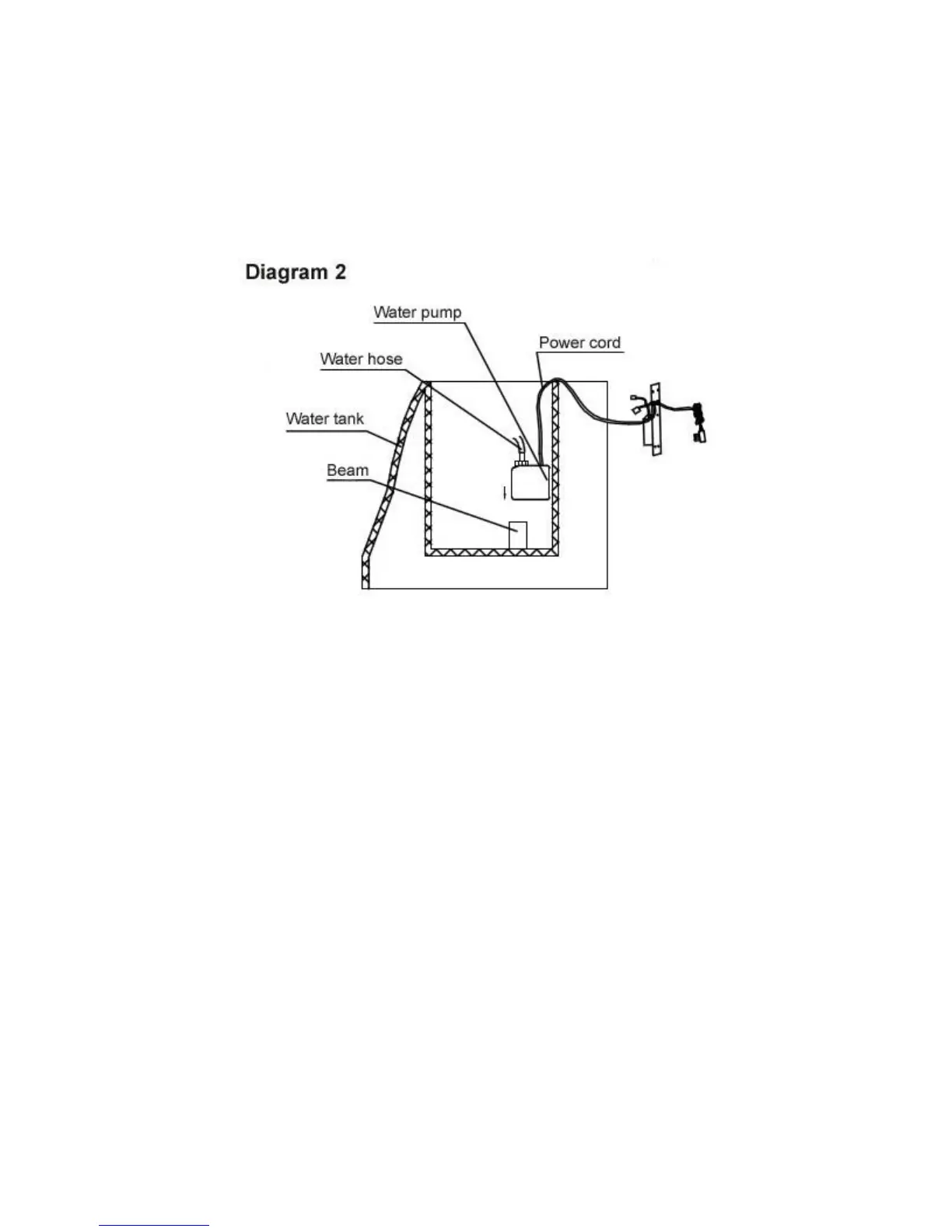
Step 2: Installing the Water Pump
a. Refer to diagram 2. Remove the water pump from the packaging, making sure not to pull it out by
the power cord. The water pump will be attached to a metal panel.
b. Position the water pump in an upright position and place it on the plastic beam located at the
bottom of the water tank. A small portion of the power cord will be submerged in the tank, but
most of it should be placed outside the water tank.



 To Next Page