LINKING
MoonLite can link with any other CRMX unit as well as legacy W-DMX™ (G2/G3/G4/G4S) transmitters
(2.4 GHz only).
POWER ON/OFF
Power on the device by pressing and holding its link button for 5 seconds until the LEDs lights up.
Power off the device by pressing and holding its link button for 5 seconds until the LEDs turn off.
FLEX MODE CHANGING
MoonLite offers the ultimate exibility to operate as either a transmitter or a receiver. (RX by default)
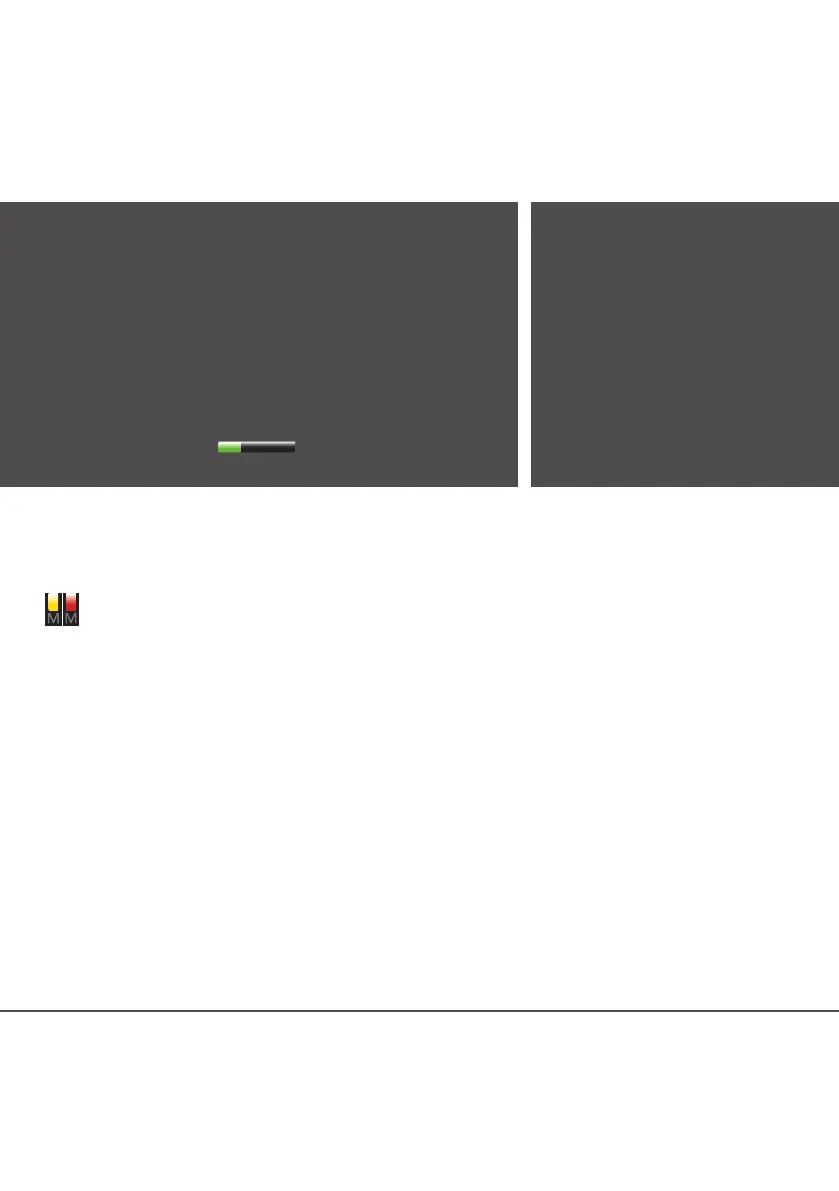
The Mode LED indicator shows different colors depending on the units current conguration
Mode LED displays yellow: Receiver mode selected
Mode LED displays red: Transmitter mode selected
The mode can be changed in the CRMX Toolbox app. You can also switch mode by using a manual button
press sequence (see below).
MANUAL CHANGE OF MODE
1. If LEDs are off – press the link button once to wake up the device.
2. Press and release the link button ve times in succession, then immediately press and hold the button
for three seconds (until ST LED is lit).
3. You can now change the Flex mode as desired. The mode LED will indicate the selected mode by
blinking in the modes corresponding color (red/yellow).
• To step between Flex modes: Press and release the link button to move to the next mode.
• To save changes: Press and hold the link button for three seconds. The unit will revert to normal oper-
ation using the newly selected mode.
• To exit without saving changes: The unit will revert to normal operation if you do not press the link
button within fteen seconds.
The unit will continue to act as congurated until you activly change the mode (even if you turn the unit off).
MANUAL RESET OF PIN CODE
If LEDs are off – press the link button once to
wake up the device. Press and release the link
button seven times in succession. Then immedi-
ately press and hold the button for three seconds.
You have now successfully reseted the pin code.
SWITCHING BLUETOOTH ON/OFF
If LEDs are off – press the link button once to wake
up the device. Press and release the link button.
Then immediately press and hold the button for three
seconds. For full DMX integrity we recommend to
switch of Bluetooth during operation.
TO LINK
1. Power on the MoonLites you would like to connect.
2. Congure the MoonLite for RX/TX mode (see instructions below)
3. Ensure that the Status LED indicators on all receivers are off to
indicate that the receivers are ready to be linked. (If necessary,
follow the unlink procedure.)
4. On the transmitter, press and release the link button.
5. The transmitter will search for any unlinked receivers. Its Status
LED indicator will ash for 10 seconds and normal operation will
resume.
6. Status LED will display (in the selected universe color)
on successfully linked receivers.
TO UNLINK
• Unlink one:
On the receiver, press and hold
its link button for more than 3
seconds (until ST LED is lit) to
unlink it from a transmitter. The
Status LED indicator will turn off.
• Unlink all:
On the transmitter, press and
hold its link button for more
than 3 seconds (until ST LED is
lit) to unlink all of its receivers.


 To Next Page
 Loading...