Using Your Luminance RED
Before using your device, cleanse your face to remove all dirt and makeup.
The blue and red light wavelengths from the Luminance RED are most
eective on clean, dry skin.
1
Pressing the ON/OFF button will power on the device.
2
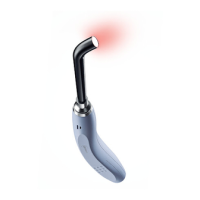
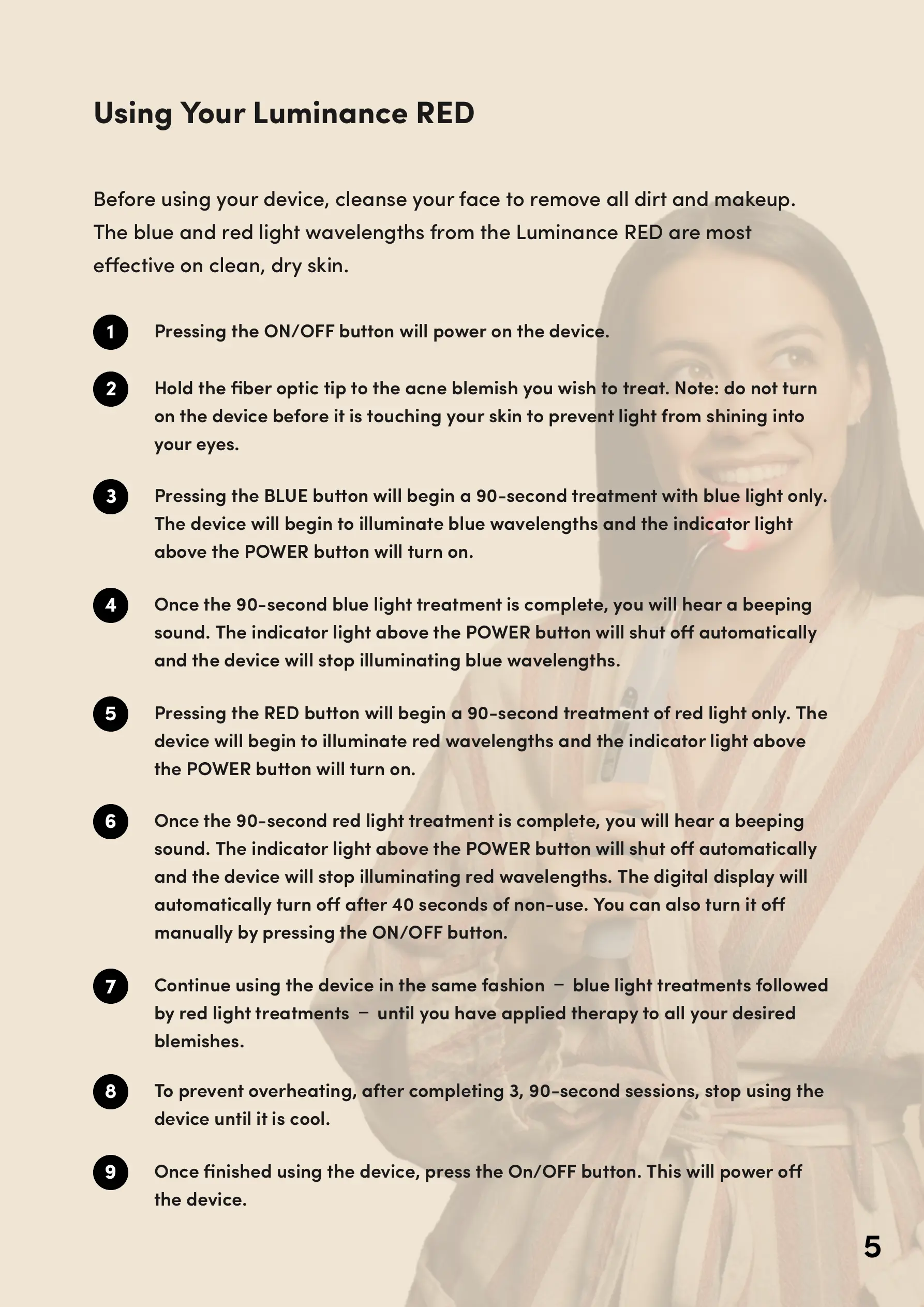
Hold the fiber optic tip to the acne blemish you wish to treat. Note: do not turn
on the device before it is touching your skin to prevent light from shining into
your eyes.
3
Pressing the BLUE button will begin a 90-second treatment with blue light only.
The device will begin to illuminate blue wavelengths and the indicator light
above the POWER button will turn on.
4
Once the 90-second blue light treatment is complete, you will hear a beeping
sound. The indicator light above the POWER button will shut o automatically
and the device will stop illuminating blue wavelengths.
5
Pressing the RED button will begin a 90-second treatment of red light only. The
device will begin to illuminate red wavelengths and the indicator light above
the POWER button will turn on.
6
Once the 90-second red light treatment is complete, you will hear a beeping
sound. The indicator light above the POWER button will shut o automatically
and the device will stop illuminating red wavelengths. The digital display will
automatically turn o after 40 seconds of non-use. You can also turn it o
manually by pressing the ON/OFF button.
7
Continue using the device in the same fashion Ѳ blue light treatments followed
by red light treatments Ѳ until you have applied therapy to all your desired
blemishes.
8
To prevent overheating, after completing 3, 90-second sessions, stop using the
device until it is cool.
9
Once finished using the device, press the On/OFF button. This will power o
the device.
5


 To Next Page
 Loading...