Copyright © 2015-19 Clive Dyson Version 4.5 4
2. Taking stills photographs
Custom Modes
Those of you who have used my earlier manuals for Lumix G cameras will find that I’ve changed approach
in this manual. I used to base a custom mode on each useful combination of AF mode and
metering mode, and that worked well.
But for some time, I’ve allocated FOCUS AREA SET to a button
and started using the fact that, whilst in
FACE DETECTION AF mode, pressing FOCUS AREA SET switches to 1-AREA AF mode. This avoids
the need for a separate custom mode for 1-AREA AF mode. For stationary subjects I now use only
FACE DETECTION AF mode. This automatically switches to 23-AREA AF mode if no faces are detected
and I get immediate access to 1-AREA AF mode simply by pressing the FOCUS AREA SET button.
Instead of having three custom modes for FACE DETECTION, 23-AREA and 1-AREA AF modes, a single
custom mode can support all three. The freed-up custom modes let me use 3 custom modes for stationary
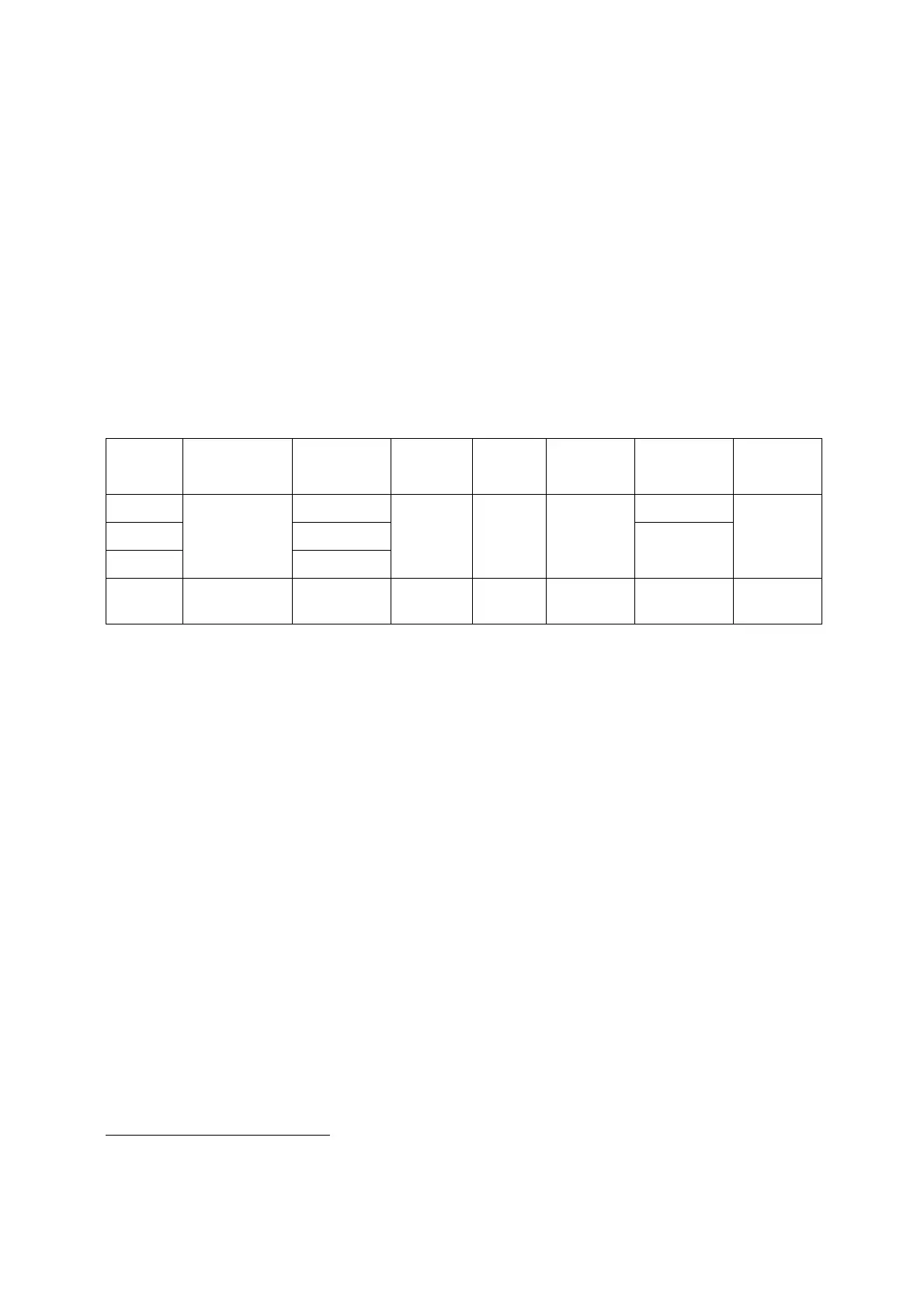
subjects, only differing in the exposure mode used, as shown in Table 2.
I set up the fourth custom mode to photograph moving subjects.
Table 2: Key settings for the four custom modes
(1) If you don’t need it, press the DRIVE MODE button and select SINGLE.
(2) Set FOCUS MODE via the Q.MENU.
(3) If you are using a fully-manual lens (without electronic contacts) there is no need to set FOCUS MODE to MF
as the camera will operate in MF mode. SHOOT W/O LENS is set to ON for these two custom modes.
I like to have program mode available because it is so good on Lumix cameras. On some other cameras
you have to lock the exposure before you can adjust the balance between aperture and shutter speed,
so I prefer aperture priority. But on Lumix G cameras you just turn the front dial to adjust the balance
between aperture and shutter speed.
I use aperture priority exposure mode when depth of field is key (such as for portrait photography) and it
is also needed for fully manual lenses. I therefore have a custom mode for that, with SHOOT W/O LENS
set to ON.
Finally, I use manual exposure mode for specific situations (such as stitching panoramas for
astrophotography, often with a fully manual lens) so I set up a third custom mode for that, also with
SHOOT W/O LENS set to ON.
So that pressing FOCUS AREA SET enables the cursor keys (and touch screen) to move the AF area.
See Table 10 in chapter for the full set of programmed settings for each custom mode.


 To Next Page