18 | 856.234.8803
Setup - Selecting your System Type
Step 5.1: After your thermostat powers up, your CS1 will
auto scan the terminal pins to determine what type of HVAC
system you have. If there is more than one possible system
type, you will need to select your system type (options
described on the next page).
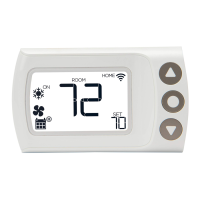
Step 5.2: Use the Up and Down
arrows to cycle through the system
options. With your system type
displayed, press the center button to
continue to Network Setup on Page 22.


 To Next Page