22 | 856.234.8803
Setup - Connecting to the Network
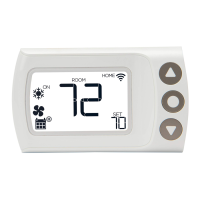
Step 6.1: After you confirm your system type, you will be
given the option to Setup or Skip. Use the up and down
buttons to change options and press center button to confirm
your selection.
Select “Setup” to connect to a network.
Step 6.2: After selecting
“Setup”, CS1 will display: “Step 1:
App”. Make sure that you have
downloaded the LUX Smart
thermostat to your smartphone.
Step 6.3: With “Step 1: App”
displayed on screen, push the
center button to continue.


 To Next Page