Luxafor Power Bank Battery Duration
The battery duration for Luxafor Power Bank varies depending on multiple variables,
including the colors used, the brightness of LEDs, and if used continuously or
infrequently.
The Power Bank working time on continuous use:
● 1300h: Patterns only;
● 163 h: Basic colors (Red, Green, Blue) on lowest brightness;
● 145 h: Mixed colors (Yellow, Cyan, Magenta, etc) on lowest brightness;
● 45 h: Basic colors (Red, Green, Blue) on maximum brightness;
● 25 h: Mixed colors (Yellow, Cyan, Magenta, etc) on maximum brightness.
When not in use, disconnect the Dot unit from the Power Bank to ensure the longest
battery duration on one charge.
How To Use Luxafor Desktop Software
General
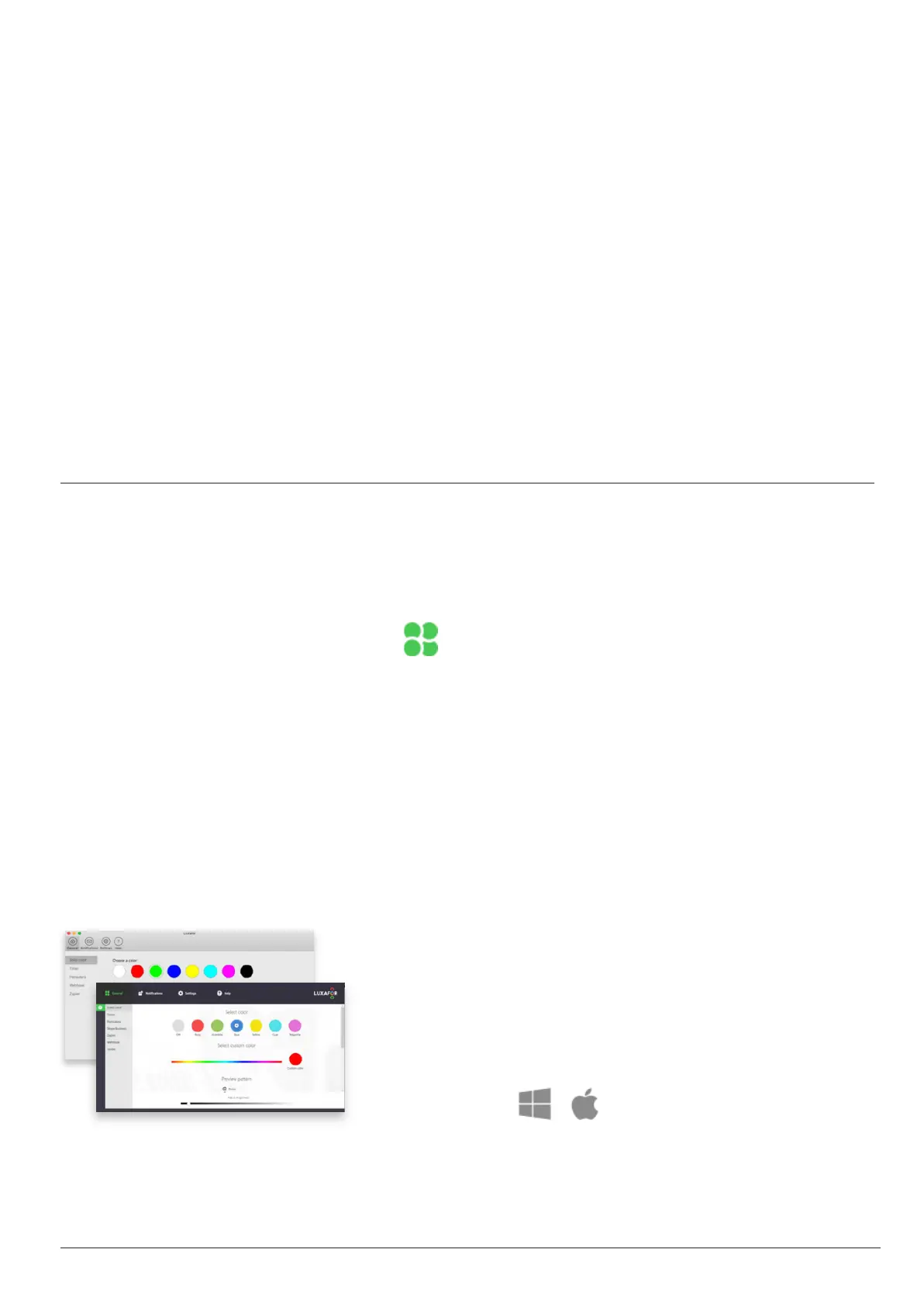
In the General section of the Luxafor software, you can choose in which mode you want
to use Luxafor. Each mode takes control of your Luxafor, so only one tab (mode) can be
active at a time.
Choose from pre-set colors like Red for Busy and
Green for Available, or define other color meanings
with Custom Color by using the slider to choose
from 16M available colors.
Contact us at support@luxafor.com or call +371 27755544
3



 To Next Page