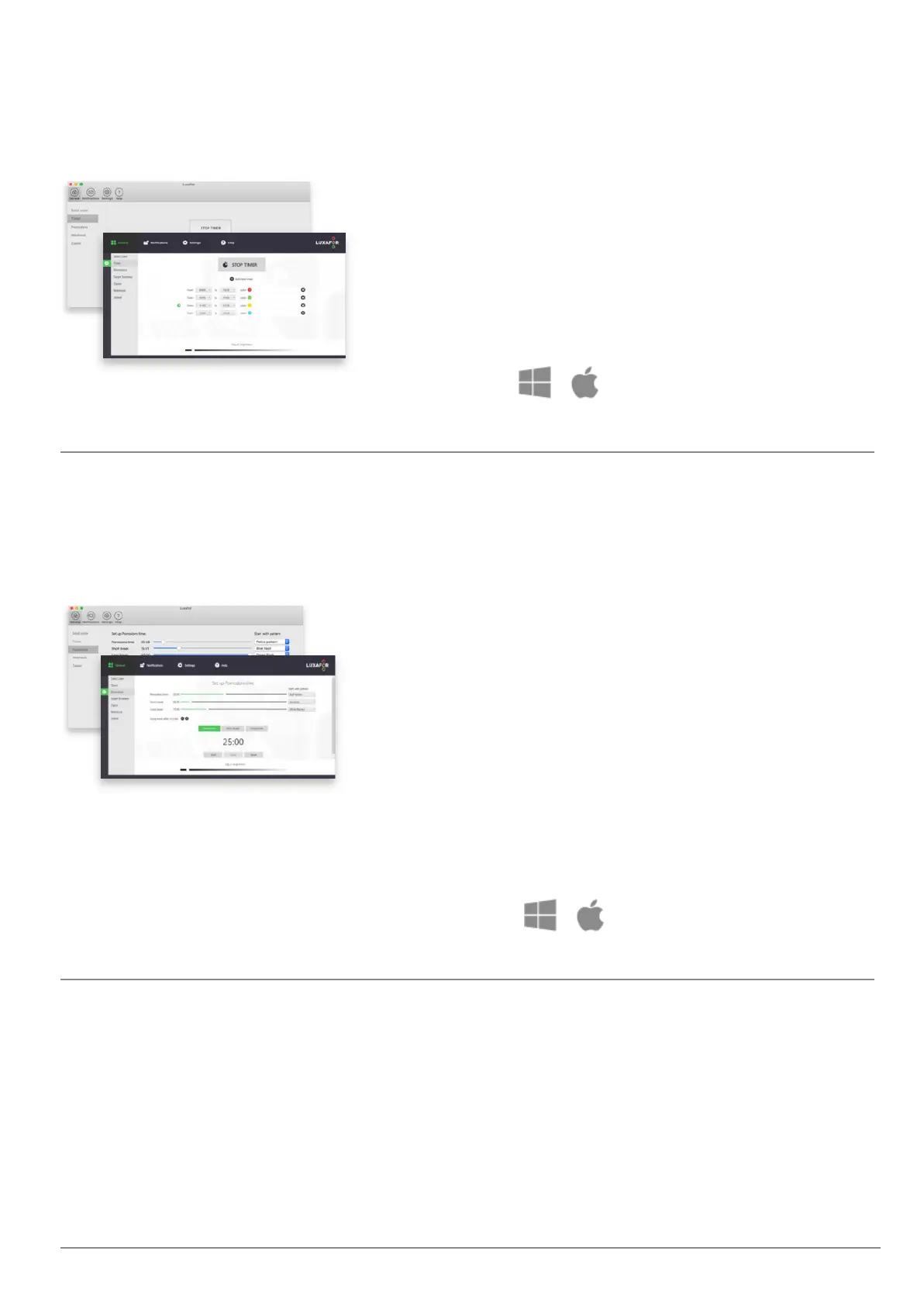
With the Timer, you can plan and schedule your
tasks throughout the day. Set the times when you
can’t be disturbed and when you’re available.
Just press “Add new timer”, input the times,
choose a color and Luxafor Bluetooth will change
the lights accordingly.
Change Pomodoro time and length of breaks to fit
your work pace. Luxafor notifies you of the
beginning of a session with a blinking pattern of
your choosing.
Luxafor will automatically turn red when you are
on your Pomodoro session and do not wish to be
disturbed. It will turn green when you are on your
break.
It is possible to Start, Pause or Reset your
Pomodoro sessions.



 To Next Page