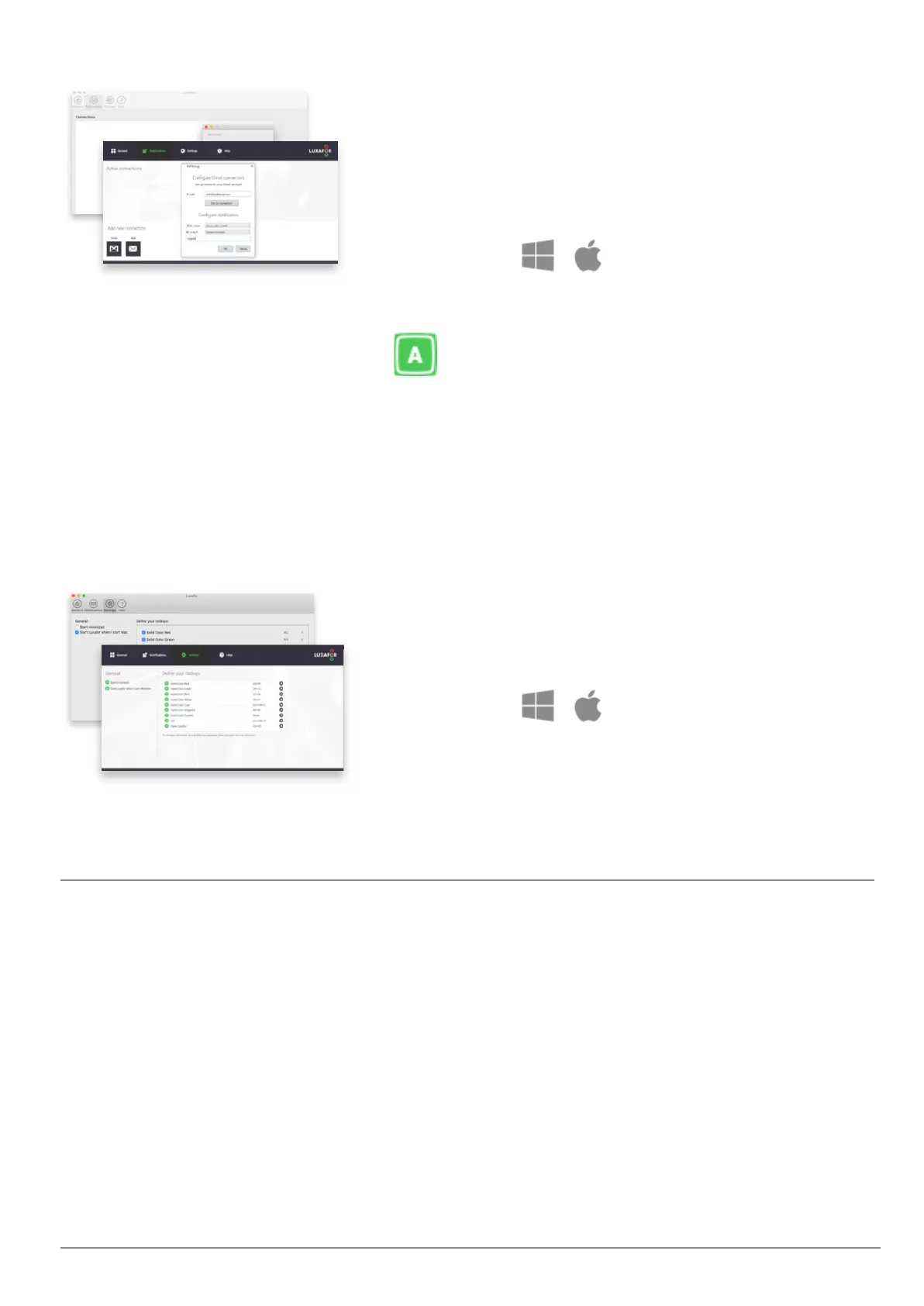
You can even set up notifications for emails
containing specific keywords. For example, receive
notifications only when you receive an email
containing the word “order” to keep up to date with
your sales.
Hotkeys
You can define Hotkeys in the “Settings” section of Luxafor Software.
Save more time with Hotkeys - switch colors even faster without opening the
application. This way you can control the Luxafor Bluetooth color without taking your
mind off of tasks.
Simply type in the shortcut you wish to use and the
light will change according to your defined
preferences!
Additional Remarks
1
See “Luxafor Power Bank Battery Duration” on page 3 of this manual for detailed
working hours variation.
2
Do not use computer USB ports to charge Luxafor Power Bank, as this can result in a
much slower and less energy-efficient charging process.
3
You can use Luxafor Bluetooth with any computer that runs the following OS:
Windows: Windows 7; Windows 8; Windows 8.1; Windows 10, Windows 11.
Contact us at support@luxafor.com or call +371 27755544
7



 To Next Page