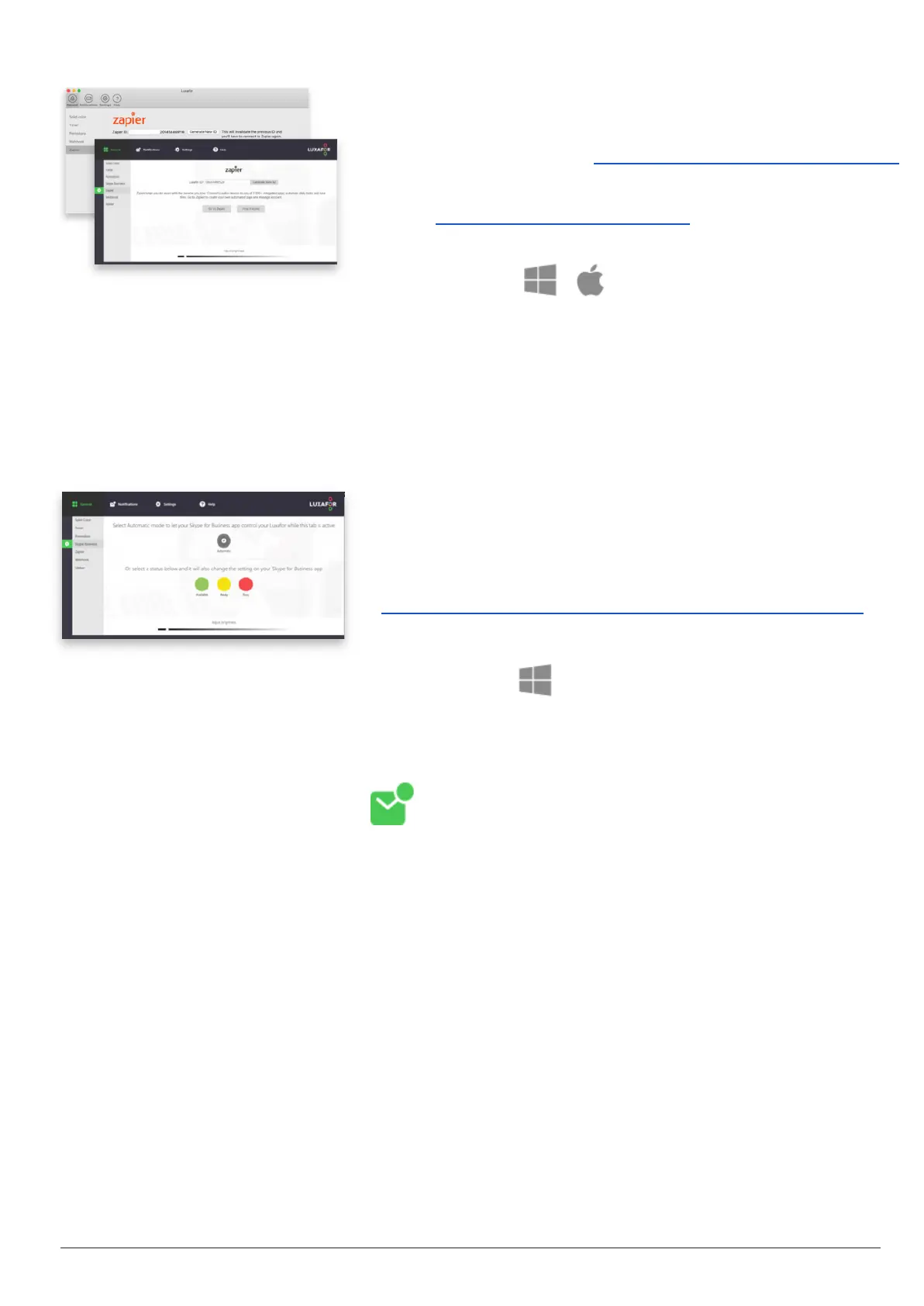
creating a zap on Zapier, test the connection there and
enjoy your new workflow!
Get early access here: https://zapier.com/apps/luxafor/
Read more detailed instructions on Zapier integration
here: https://luxafor.com/zapier/
Available on:
Reduce delays in communication - allow Luxafor
Bluetooth to change color according to Jabber
presence status and blink red during a call!
Follow these instructions to connect Luxafor with
Cisco Jabber:
https://luxafor.com/luxafor-cisco-jabber-presence/
Notifications
Set Luxafor Bluetooth to blink when there is an unread email in your inbox or blink
only on the arrival of a new email. You can even set up notifications for emails
containing specific keywords.
To connect your email choose “Gmail” if you have a
Gmail account or “Mail” for any other email. To set
up a connection, fill out the required fields in the
pop-up.
You can set notifications to blink when there is an
unread email in your inbox or to blink only on the
arrival of a new email.
Contact us at support@luxafor.com or call +371 27755544
6



 To Next Page