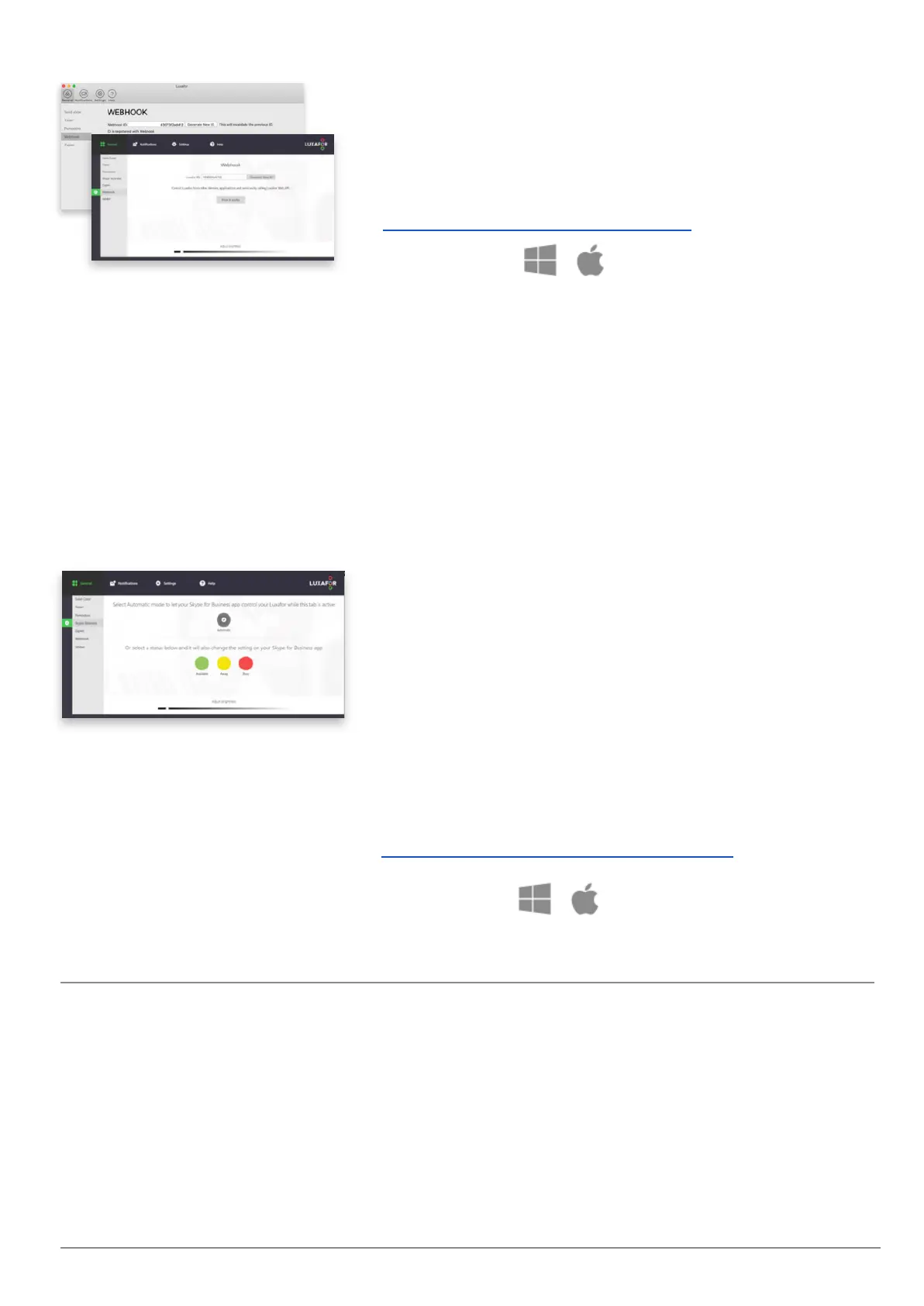
Study, alter and develop new solutions, integrations,
and services!
Control other devices and create more features by
calling Luxafor Web API! (More information here:
https://luxafor.com/webhook-api/)
Available on:
Choose “Automatic”, and Luxafor device will indicate
your availability status according to Microsoft Teams
status, enjoy incoming call notifications (blinks Red
during an incoming call and for the whole duration of
the call taken, then changes back to indicate the color
of your status immediately after the call has ended).
Works in all “Coexistence modes” except “Teams
only”
4
.
Or select “Available”, “Away” or “Busy” manually in and
it will also change the setting on your Skype for
Business app.
Follow these instructions to connect Luxafor and
Skype for Business with Microsoft Teams:
https://luxafor.com/microsoft-teams/
You can choose from 3 types of actions: Play Pattern,
Solid Color, or Blink Color, and choose from a variety of
colors or modes for each action.
Copy your unique Luxafor ID from this tab when



 To Next Page