② Alexa button
Used to call Amazon Alexa with a
button instead of voice.
WIRELESS STREAMING SPEAKER ARRO Studio Collection
S5
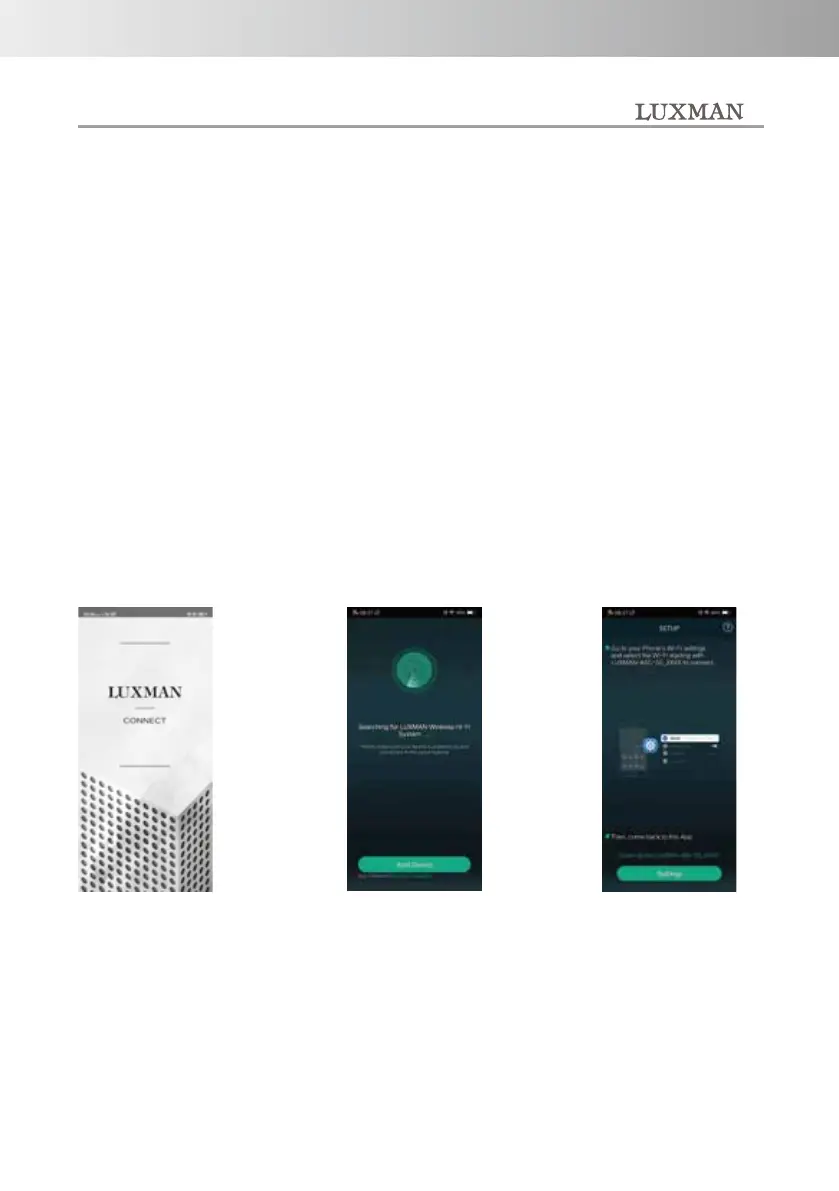
Press "Add Device"
to start setup.
1. Before starting setup, make
sure that the NET indicator on the
top panel is lit or blinking.
If anything other than NET is lit,
press the INPUT button several
times until NET lights or
flashes.
2. Press the PAIR button on the
rear panel for 3 seconds to put the
unit into Wi-Fi setup
mode. At this time, the INPUT
indicator NET starts blinking.
3. Launch the "LUXMAN
CONNECT" app and follow the
on-screen instructions to proceed
with the setup.
Switch your smartphone
or tablet to the i-Fi setting
screen.
It is an application
launch screen.
-12-



 To Next Page