• Various connectivity
It enables playback from USB
memory and digital / analog
connection with conventional
audio devices.
• Multi-room playback
By preparing multiple recorders,
you can control the music played
in different rooms at one
time.
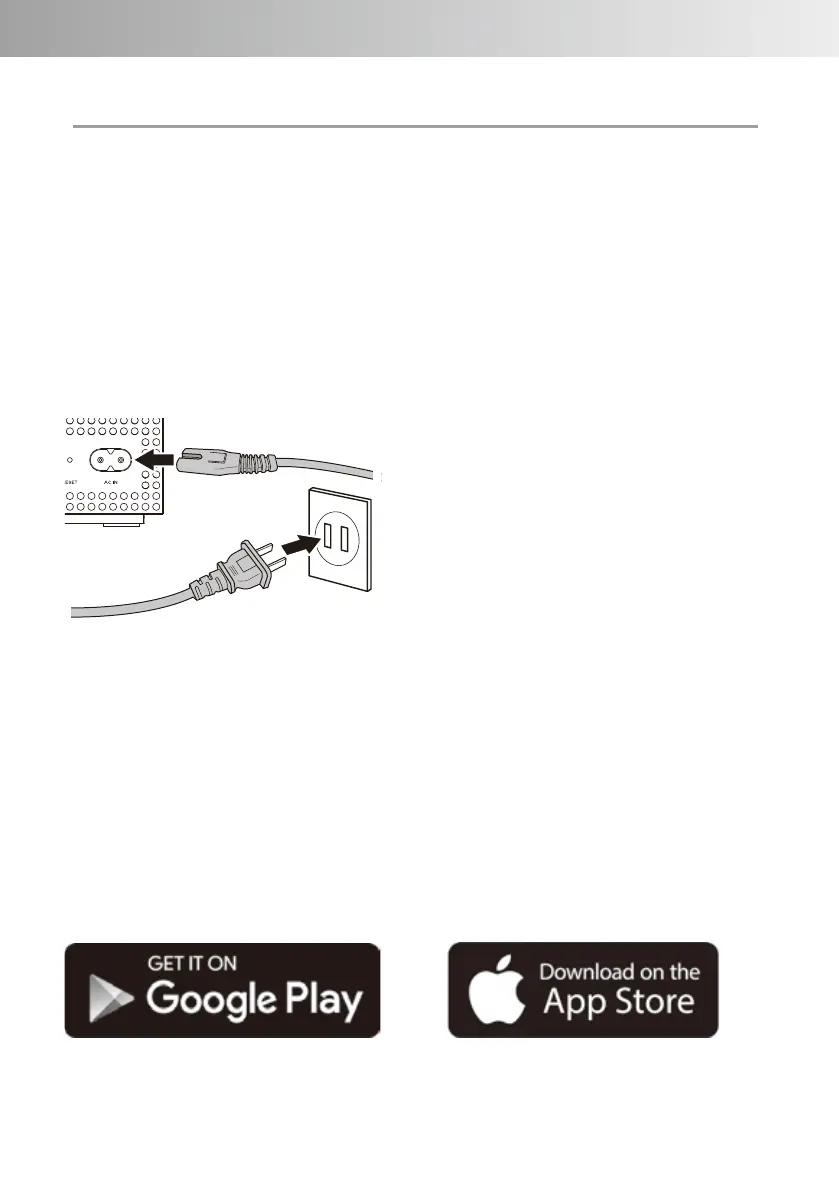
- Connection of power supply
Connect the AC IN terminal on the
back of the unit to a 100 V AC
household outlet using the
supplied power cable.
- Wired LAN connection
When connecting this unit to a
home network by wire, prepare a
separate LAN cable and
connect the wired LAN terminal on
the back of this unit to a home
router or a network hub.
*Please use LAN cable of
category 5 or more type.
*When connecting this unit via
Wi-Fi (wireless LAN), do not
connect a LAN cable to this
terminal.
- Download the app
Download and install the
dedicated application "LUXMAN
CONNECT" from the Google Play
Store or App Store according to
the smartphone or tablet OS used.
SETUP
-11-



 To Next Page