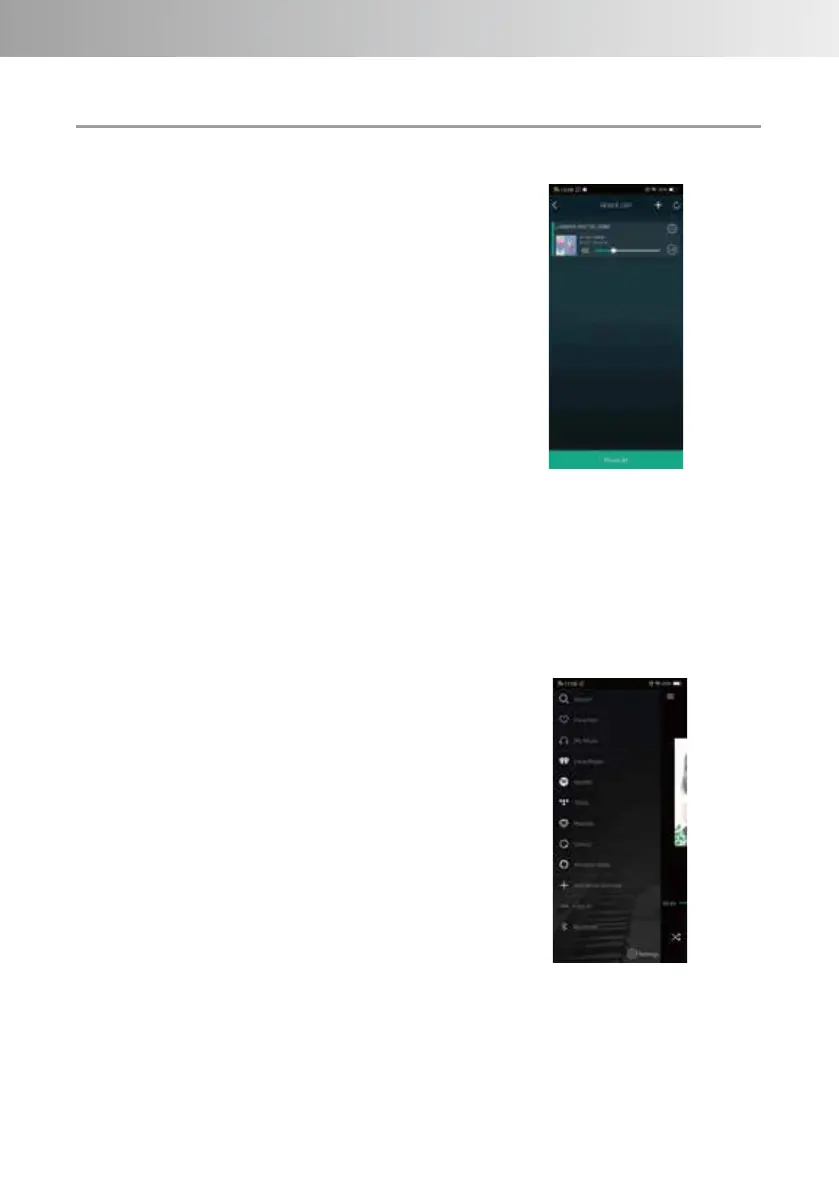
Device list screen.
Network playback by dedicated
application
This section describes network
playback using the dedicated
application of this unit.
Press the unit's INPUT button to
select NET (Network).
Launch the dedicated application
"LUXMAN CONNECT" from your
smartphone or tablet.
METHOD OF OPERATION
1. Add device
2. Device List Update
3. Device settings
4. Audio channel selection
Main menu screen.
This screen is for selecting music
service or input of this unit.
1. Move to main menu screen
2. Move to device list screen
3. Add music being played as a
favorite
4. How current playlist
5. Toggle repeat / shuffle play
6. Adjust the volume
7. Regeneration operation
This screen displays a list of
devices (including this unit) set up
in the same network.
This screen is displayed first when
the app is launched.
-15-



 To Next Page