WIRELESS STREAMING SPEAKER ARRO Studio Collection
S5
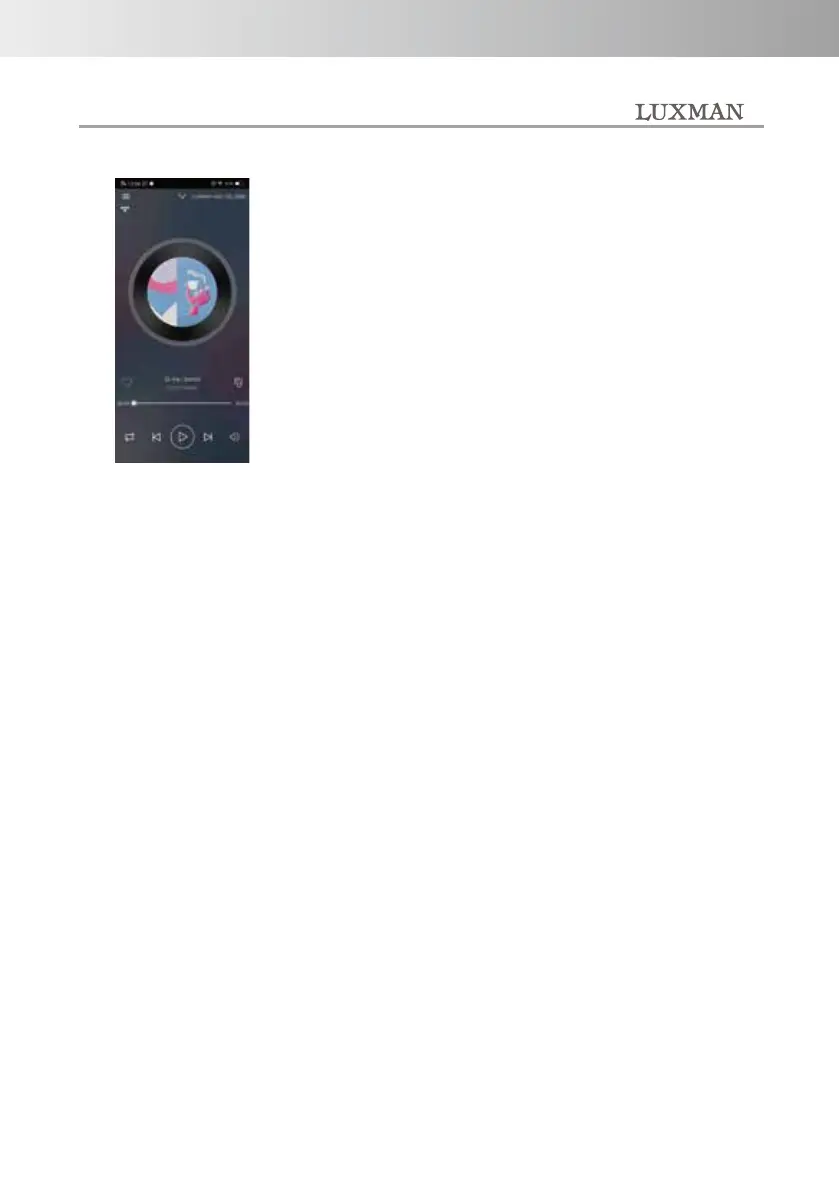
Music playback screen.
This is a screen to control the
music being played.
1. Search
2. Favorite
3. My music
4. Internet music service
5. Add service
6. AUX input
7. Bluetooth
8. USB device
9. Optical digital input
Main menu screen.
Voice control by Amazon Alexa
Press the unit's INPUT button to select NET (Network).
Talking to "Alexa" to this unit starts the voice control service by
Amazon Alexa.
*This message indicates that Amazon Alexa has started up normally
when a response sound
of "Pong" is returned from the unit by calling "Alexa". If there is no
response, please approach
this unit and try again when the surroundings are quiet. Also, even if
the Wi-Fi signal is weak,
Amazon Alexa may not start properly.
Example:
Alexa, good morning
Alexa, tell us the weather today?
Alexa, what day is it today?
Alexa, tell me a delicious ramen shop nearby?
-16-



 To Next Page