WIRELESS STREAMING SPEAKER ARRO Studio Collection
S5
④ OPTICAL IN terminal
Digitally connect an audio device
with an OPTICAL output with an
optical cable.
③ USB terminal
Insert a USB flash drive with
saved music data.
* You can play music by
connecting a USB device
compatible with the USB Mass
Storage
standard to this terminal.
① AC IN terminal
Connect the supplied power cable.
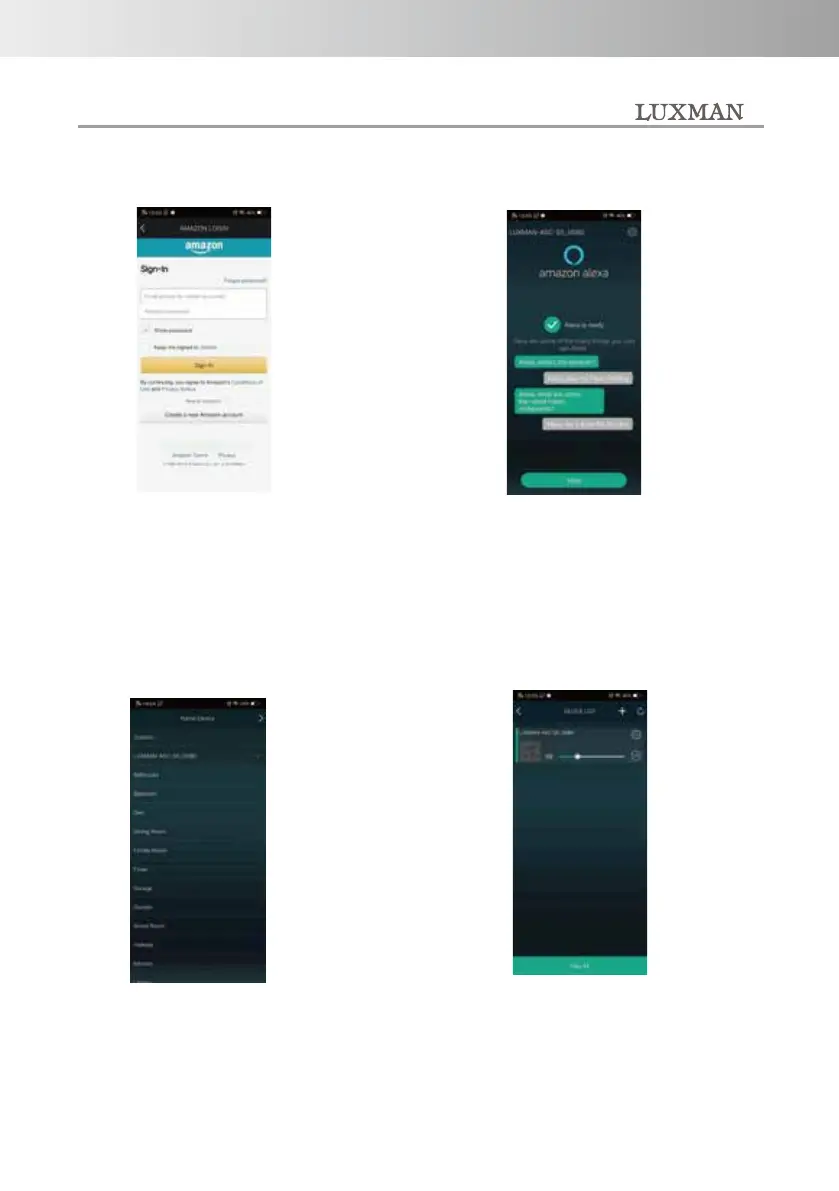
You can give this machine a name
you like so that you can
distinguish individual products
when using multiple machines or
products of this series.
Follow the onscreen instructions
to log in to Amazon.
The setup is complete when the
device name is displayed on the
device list screen.
When this screen is displayed,
preparation for Amazon Alexa is
complete.
-14-



 To Next Page