9
English Svenska Norsk
OPERATION
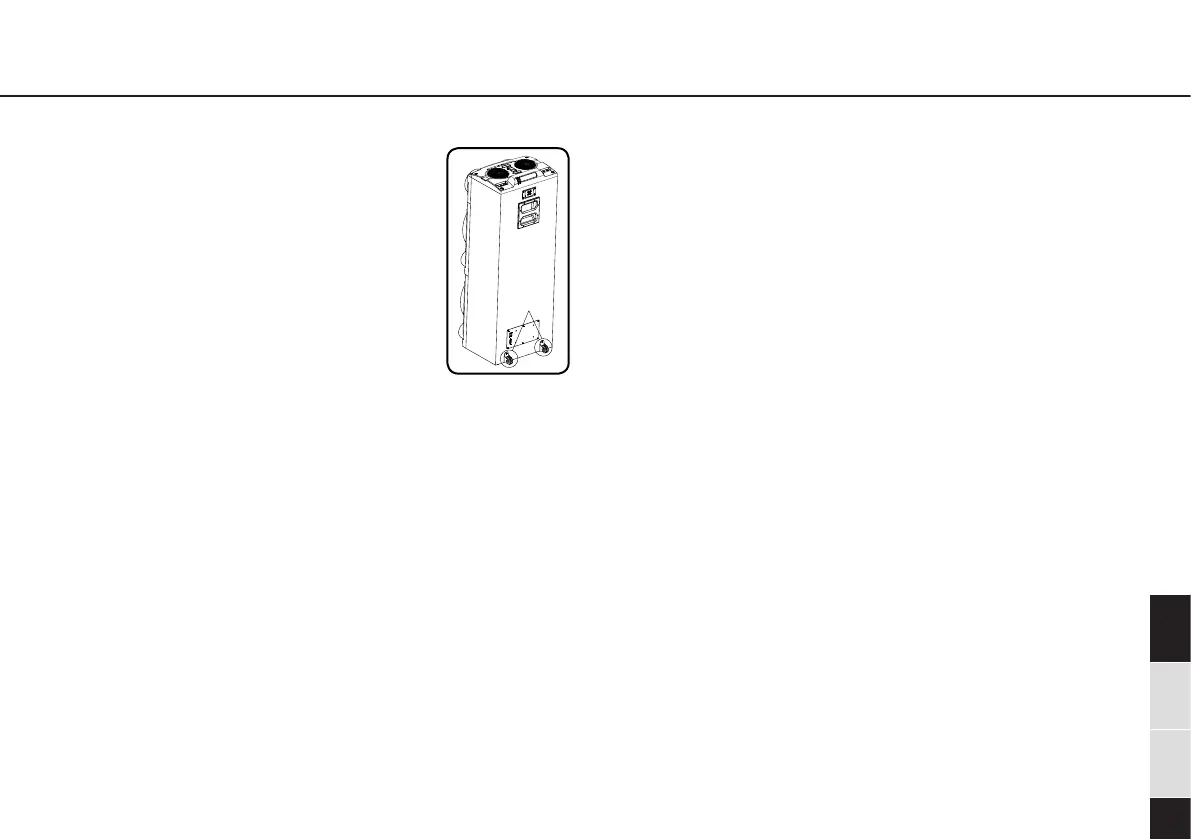
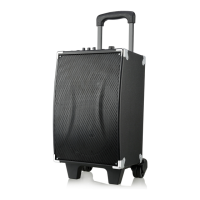
Wheel
Get Started:
1. Install the wheels in the backside of the
speaker.
2. Connect the power cable to the speaker
and wall outlet.
3. Press the power switch to power on the
unit, and the display will lights up. Press
Standby button to enter standby mode,
you will hear the voice of “Power Off”.
Long press the power button to turn on the
speaker again.
4. Press the Mode button repeatedly to switch to desired
mode: Bluetooth/ Line in/ AUX/ USB.
5. Adjust the volume by rotate Music volume knob.
Bluetooth Pairing:
1. Press the mode button to enter Bluetooth mode.
2. Turn on the Bluetooth function on your device and the
device will start to search for the speaker.
3. Select ‘PYB-5000’ from the list of found devices.
4. If asked, enter the password ‘0000’ and press OK.
Note: The operation range for the Bluetooth connection is
10 meters.
Note: If a mobile phone on which you are playing music
receives a call, the music will be interrupted. The sound
however is not played back via the speaker. After you end
the call, the devices are connected to each other again and
playback continues.
5. AUX Source:
6. Ensure that the speaker is connected to the AUX cable.
7. Press the mode button to enter the desired mode.
Note: The speaker will automatically enter AUX mode when
AUX cable is connected.
Note: The playback is controlled by your device not by the
buttons on the speaker.
USB Source:
1. Insert an USB device to the USB port on the speaker.
2. Press the mode button to enter USB mode.
Note: The speaker will automatically enter USB mode when
USB is inserted.
Note: The speaker only support mp3, wma, wmv, flac
format.
3. You can charge your other devices through the USB port
with a suitable USB cable.
Line in Mode
1. Press mode button to enter Line in mode.
2. Connect the analogue output from a TV or similar using a
RCA cable.


 To Next Page