TIMER PROGRAM OPERATING MODE
This function allows you to set regulated tempera-
ture ranges according to the temperatures dened in
Comfort
and Eco modes.
You will have a choice of 9 preset programs "d1" to "d9"
and 4 custom programs "U1" to "U4" to suit your needs.
If you choose a preset program:
1. Select this mode using the "+ or -" buttons then press
OK,
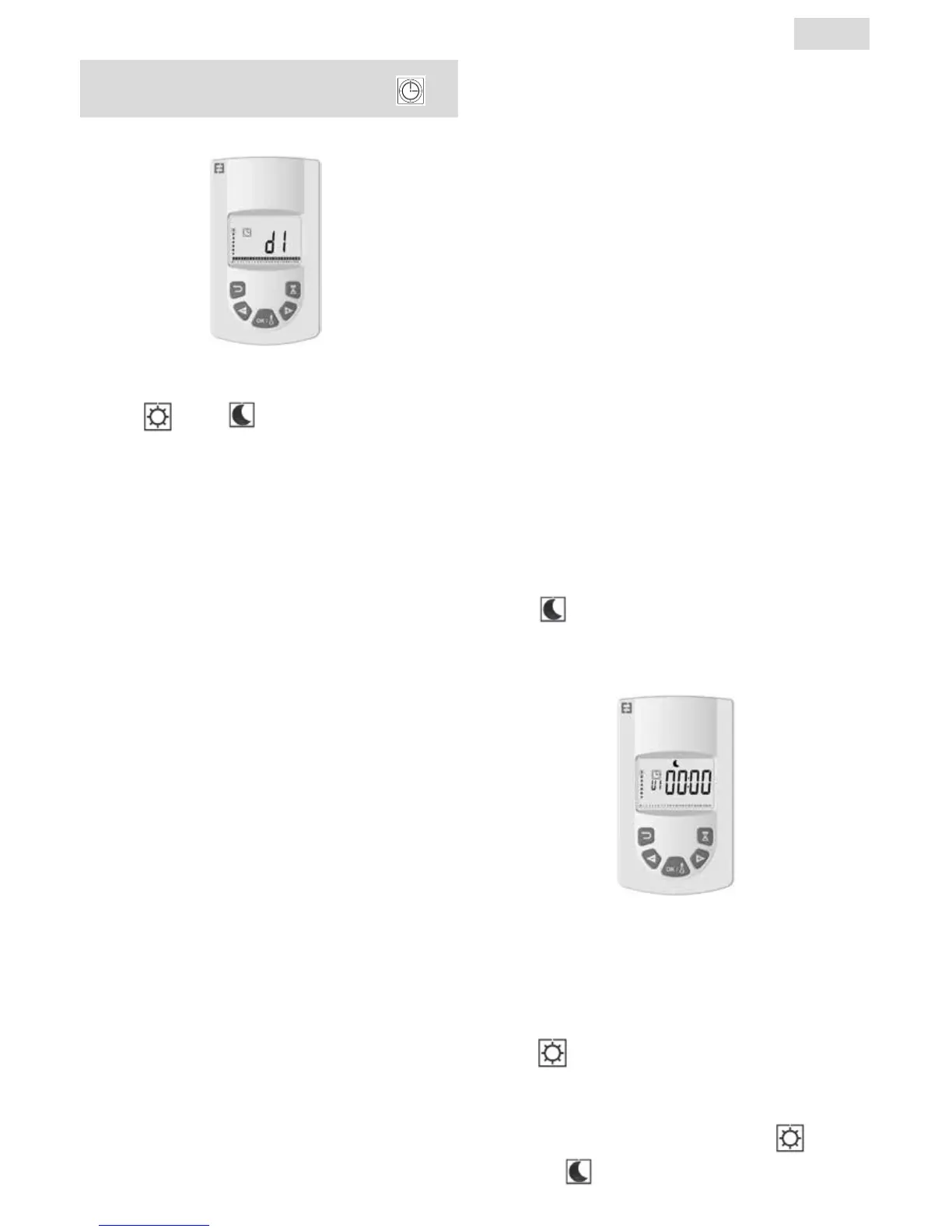
2. "d1" appears on the screen
3. Press OK, "d1" ashes on the screen.
4. You can then choose another preset program using
the "+ or -" buttons or keep this program. You have the
choice of 9 preset programs "d1" to "d9".
5. Press OK again to accept your choice. You will then au-
tomatically move into Auto mode (the temperature set
point and program number are displayed on the screen).
List of preset programs and comfort mode operating
ranges.
o d1: Comfort mode all week.
o d2: Comfort mode 6:30 - 8:30 a.m. Monday to Friday /
8:30 - 10:30 a.m. at weekends.
o d3: Comfort mode 6:30 - 8:30 a.m. Monday to Friday /
8:30 - 10:30 a.m. and 7:00 - 9:00 p.m. at weekends.
o d4: Comfort mode 8:00 - 10:00 a.m. and 9:00 - 11:00
p.m. Monday to Friday / 9:00 - 11:00 a.m. and 9:00 -
11:00 p.m. at weekends.
o d5: Comfort mode 4:30 - 7:30 a.m. and 4:30 - 10:30
p.m. Monday to Friday / 7:00 - 11:00 p.m. at weekends.
o d6: Comfort mode 6:30 - 9:30 a.m. and 5:00 - 11:00
p.m. Monday to Friday / 8:00 a.m. - 11:00 p.m. at
weekends.
o d7: Comfort mode 6:30 - 8:30 a.m. and 12:00 - 2:00
p.m. and 5:00 - 11:00 p.m. Monday to Friday / 7:00 a.m.
- 11:00 p.m. at weekends.
o d8: Comfort mode 7:30 AM - 9:30 a.m. and 12:00 -
2:00 p.m. and 5:00 - 11:00 p.m. Monday to Friday / 8:00
a.m. - 11:00 p.m. at weekends.
o d9: Comfort mode 7:00 a.m. - 11:00 p.m. all week.
Notes: Preset ranges where your heating is in comfort
mode and the rest of the time in eco mode. Programs
d1 to d4 cover mainly radiators in a bathroom and pro-
grams d5 to d9 cover radiators in other rooms of the
house.
If you choose a custom program:
1. Select this mode using the "+ or -" buttons then press
OK,
2. "d1" appears on the screen
3. Press OK, "d1" ashes on the screen.
4. You can then choose a custom program using the "+
or -" buttons. You have a choice of 4 custom programs
"U1" to "U4".
5. Press and hold OK for 2 seconds to access the pro-
gramming mode directly. The ti me 00:00 and the Eco
symbol
ash on the screen. You can now customize
the program. You are at day 1 of the week (1=Monday).
6. Advance the time of day using the «+» button in steps
of 30 minutes to create your rst
Eco mode period. Press
OK. You just created your rst Eco period of the day.
Comfort
ashes on the screen.
7. Advance the time of day using the «+» button in steps
of 30 minutes to create your rst Comfort mode period.
Press OK. You just created your rst Comfort
period of
the day. Eco
ashes on the screen.
8
EN


 To Next Page