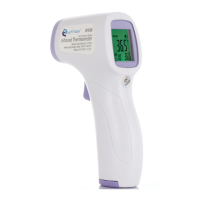
Model IR988
Non-Contact Digital Infrared Thermometer
Instruction Manual
Possible Cause / Solving Method
The ambient temperature is too
high
1. Body temperature mode, the display temperature is higher
than 42 ℃
2. Object temperature mode, the display temperature is
higher than 45 ℃
The ambient temperature is too
low
1. Body temperature mode, the display temperature is lower
than 34 ℃
2. Object temperature mode, the display temperature is not
lower than 25 ℃
The ambient temperature is too
high
The ambient temperature of the thermometer is higher than
35 ℃
The ambient temperature is too
low
The ambient temperature of the thermometer is below 16 ℃
Unstable ambient temperature
The ambient temperature is unstable, please place the
thermometer on stable environment for more than 30
minutes
During system self-test, system failure was found, blank
screen is displayed. Please remove the battery and reinstall
it.
The battery is low, please replace it with a new one
immediately
10.2 Calibration and Repair
The accuracy of this infrared thermometer has been strictly tested and it is generally recommended that the thermometer
be tested and calibrated once a year to ensure proper functioning and accuracy.
Please do not carry out any maintenance by yourself. If there is a quality issue or any question about the correct
measurement of the infrared thermometer, please contact the distributor or manufacturer.


 To Next Page