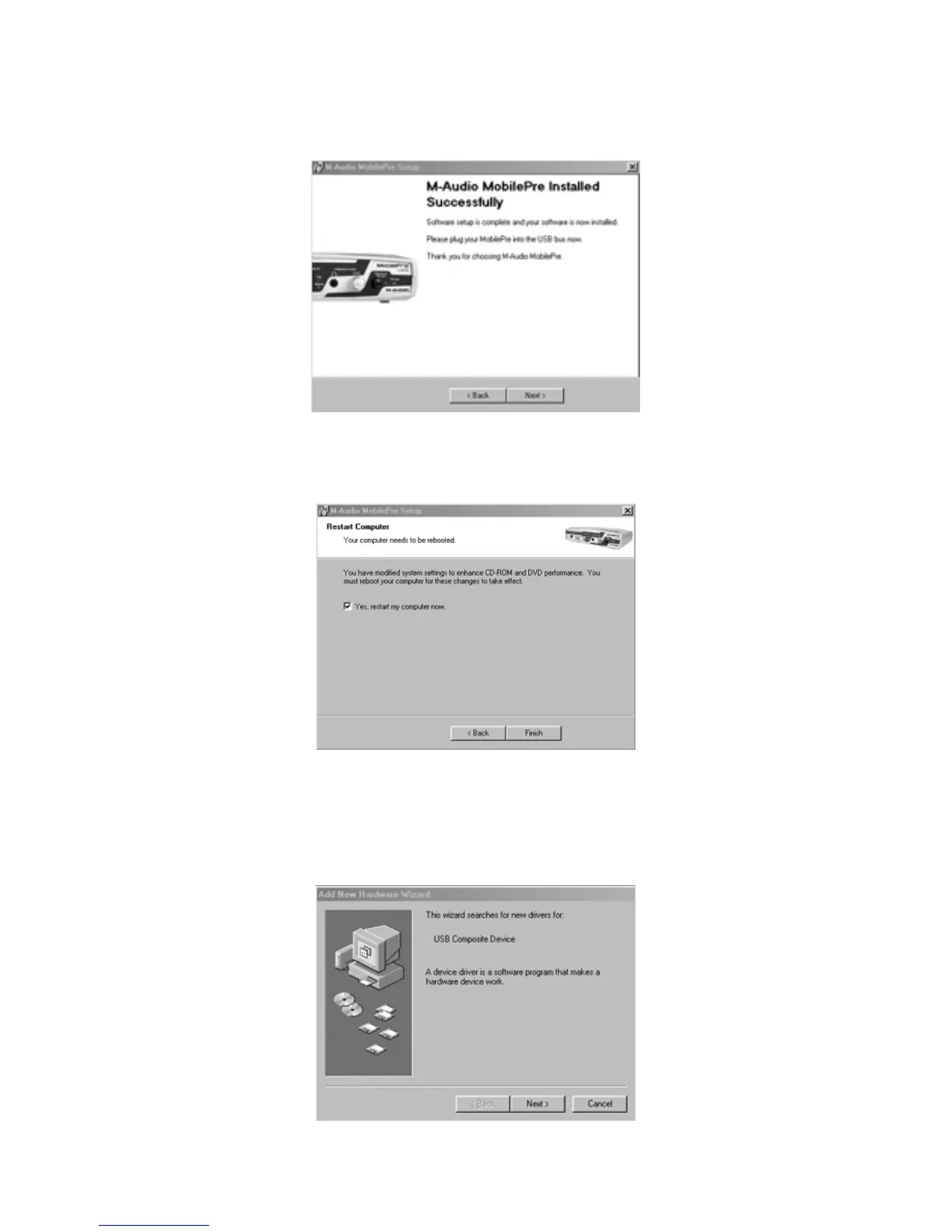
6. The next screen shows that the drivers have been successfully installed.
Click “Next”
7. Windows will now tell you that your computer needs to be started.
Make sure that the “Yes” box is checked, and click “Finish.”
8. Once the computer has restarted and returned to the desktop,
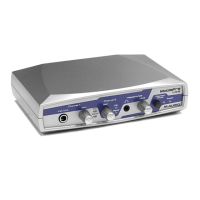
connect the MobilePre USB to your computer (refer to the Hardware
Installation section of this manual for instructions). Click “Next,” in the
screen that appears after this connection is made.
13









 To Next Page