2
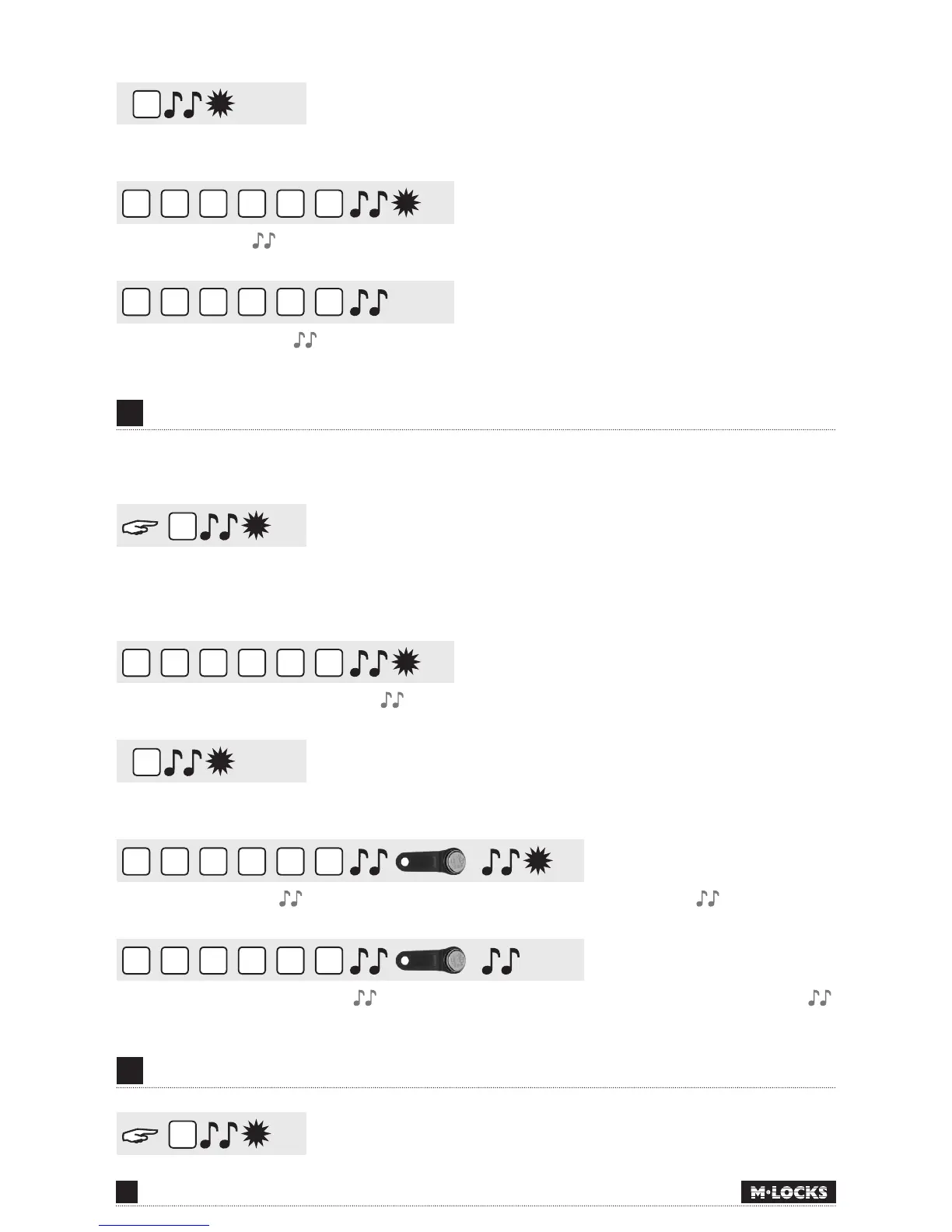
• Enter User ID 1-9 (only if more than 1 user is programmed)
2
2
2
2
2
2
• Enter User Code
2
2
2
2
2
2
• Enter User Code again
10
ACTIVATING USER WITH DALLAS KEY
Requirements: an installed entry unit with integrated Dallas reader and Dallas key.
1
Press and hold ‘1’ until a double signal sounds. The LED will illuminate when performing the following
actions:
For example!
9
8
7
6
5
4
• Enter your personal Manager Code
1
• Enter User ID 1-9 (only if more than 1 user is programmed)
2
2
2
2
2
2
• Enter the User Code , hold the Dallas key to the key reader after the last digit
2
2
2
2
2
2
• Enter the new User Code again again hold the Dallas key to the key reader after the last digit
11
DISABLING /ENABLING USERS (NOT ACTIVE IN DUAL MODE)
2


 To Next Page