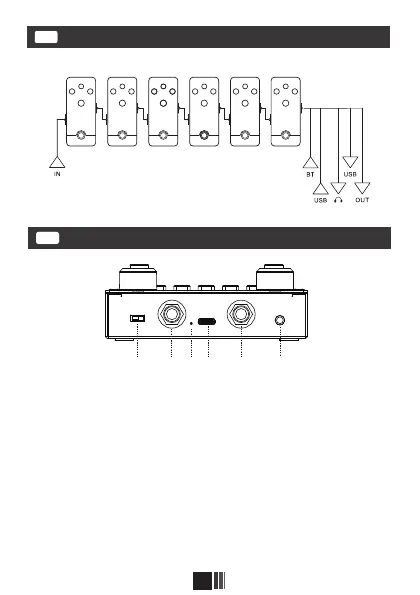
① ② ③ ⑤④ ⑥
3
Eectors chain diagram
EN
Rear panel
EN
①Power switch.
②IN: 1/4"MONO audio input jack.
③Charging indicator: When the batte is normally using, the
indicator will go o;During charging,the indicator will stay red,then it
will change to a dierent color after fully charging.
④USB jack: Use to charge the batte/The BLACKBOX can be
sound card of computer/Computer software can be connected for
interactive data transmission.
⑤OUT: 1/4"MONO audio output jack.
⑥Earphone output.
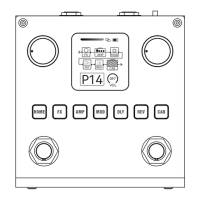
FX AMP MOD D LY
REV CAB
(The order of the 6 eects Modules can be customized.)


 To Next Page