US20 Series
User Manual
31
3.3 Scanner
M3 US20 provides 1D/2D or Long-range scanner as an option. For detailed information on
available options, please contact the local distributor or refer to our Web site.
(Homepage: http://www.m3mobile.net
).
3.3.1 How to Use Scanner
M3 Mobile provides the program( ) needed to use a scanner by default.
It is the keyboard wedge program that sends barcode data.
The ScanEmul( ) program can be used regardless of 1D/2D scanner.
In case of 2D scanner, it cannot be simultaneously used with a camera.
3.3.2 Using the Scanner
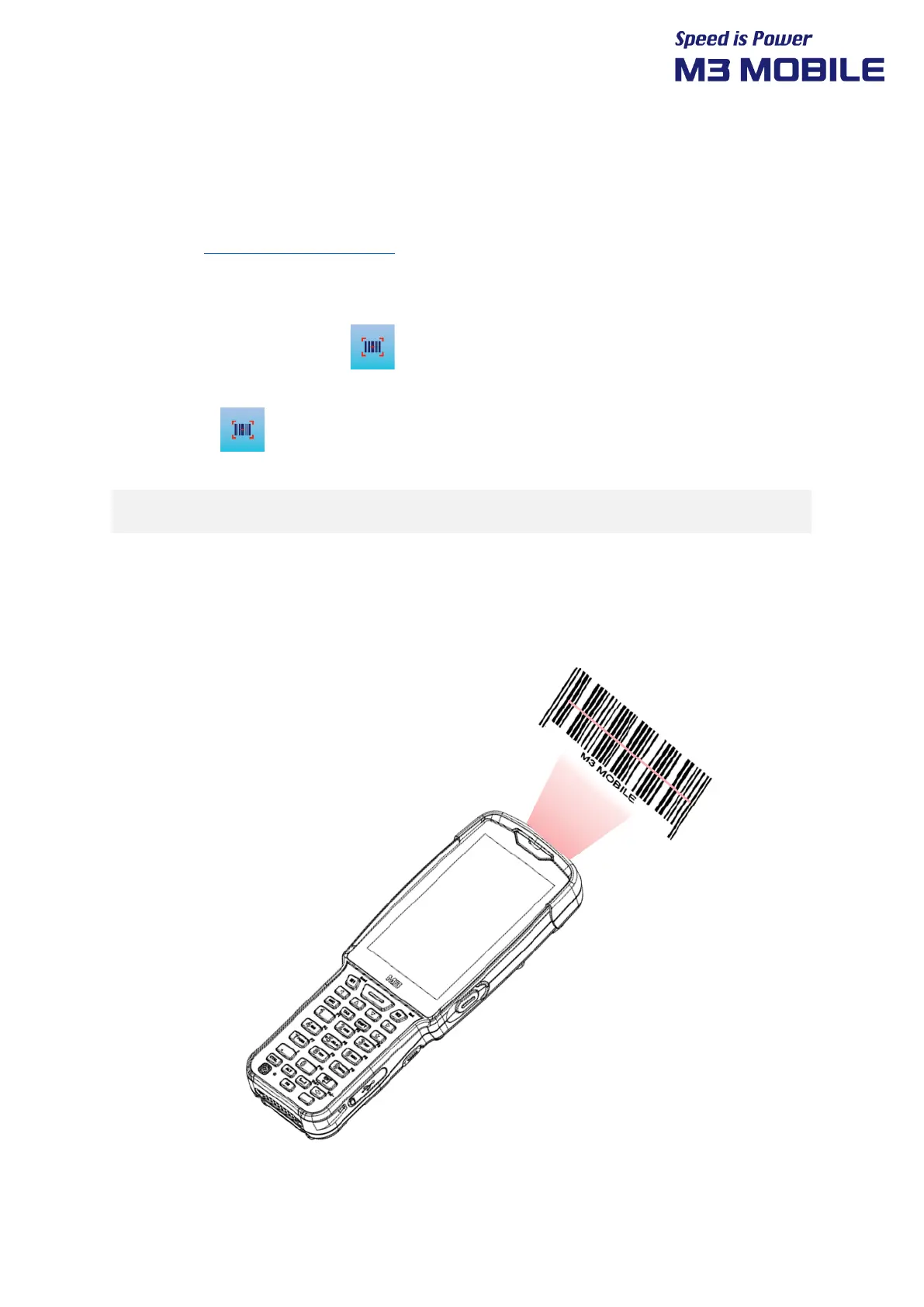
Place the device toward a targeted barcode and press Scan button.



 To Next Page