US20 Series
User Manual
40
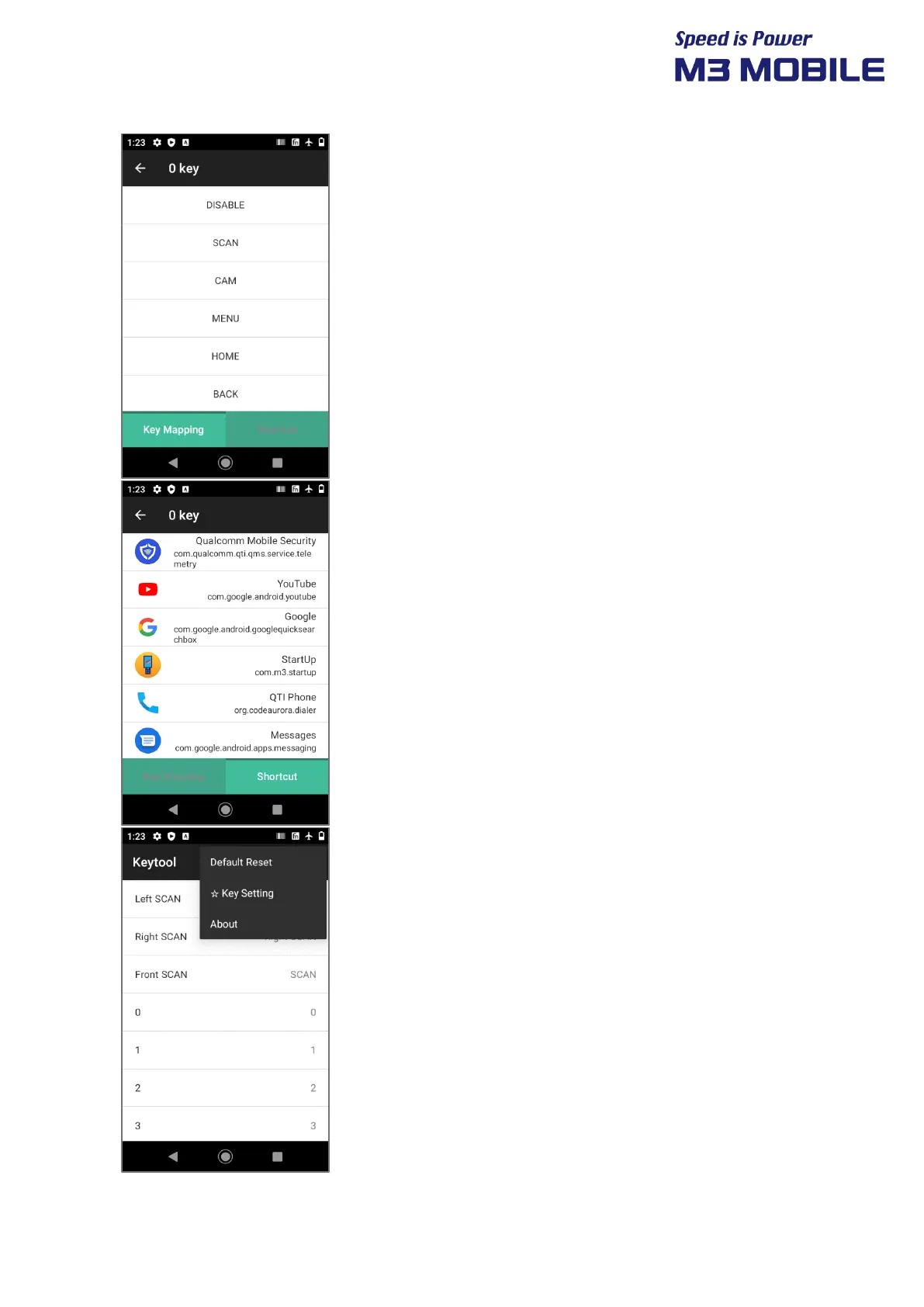
You can change the function by selecting one of the
keys on the main screen.
Selecting the function, you want to change will change
the function of the key.
You can select Key Mapping or Shortcut from the
bottom tab.
Select Shortcut on the bottom tab to designate it as a
program shortcut.
If you select one of the lists of installed APPs, that key
acts as an APP shortcut.
On the Main Screen, click the Menu button to pop up
the menu.
Select “Default Reset” to reset the keys.
Select “☆ Key Setting” to change the function of the
pop-up star key.
Select “About” to indicate the version of the program.



 To Next Page