09
DATA CAPTURE
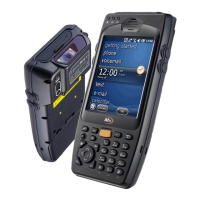
Taking pictures
▪ Run the Camera program.
▪ Tab the Capture button to take a picture.
▪ Taken pictures are stored in Photo folder.
(My Device\Flash Disk\Camera\Photo)
* Video function is not supported in M3 SMART CE version.
CAMERA
※Warning
It may cause significant damage to your eyes if you directly look the flash
attached at camera module.


 To Next Page