08
DATA CAPTURE
※Warning
LASER LIGHT - Do not stare into beam, CLASS 2 LASER PRODUCT
1.0mW, MAX OUTPUT:650nM
Scanning
▪ Launch the Scanner program (either ScanEmul or M3ScanTest).
▪ Press the SCAN BUTTON toward barcode to read.
Imaging
▪ Launch the Scanner program.
▪ Press the SCAN BUTTON toward barcode to read.
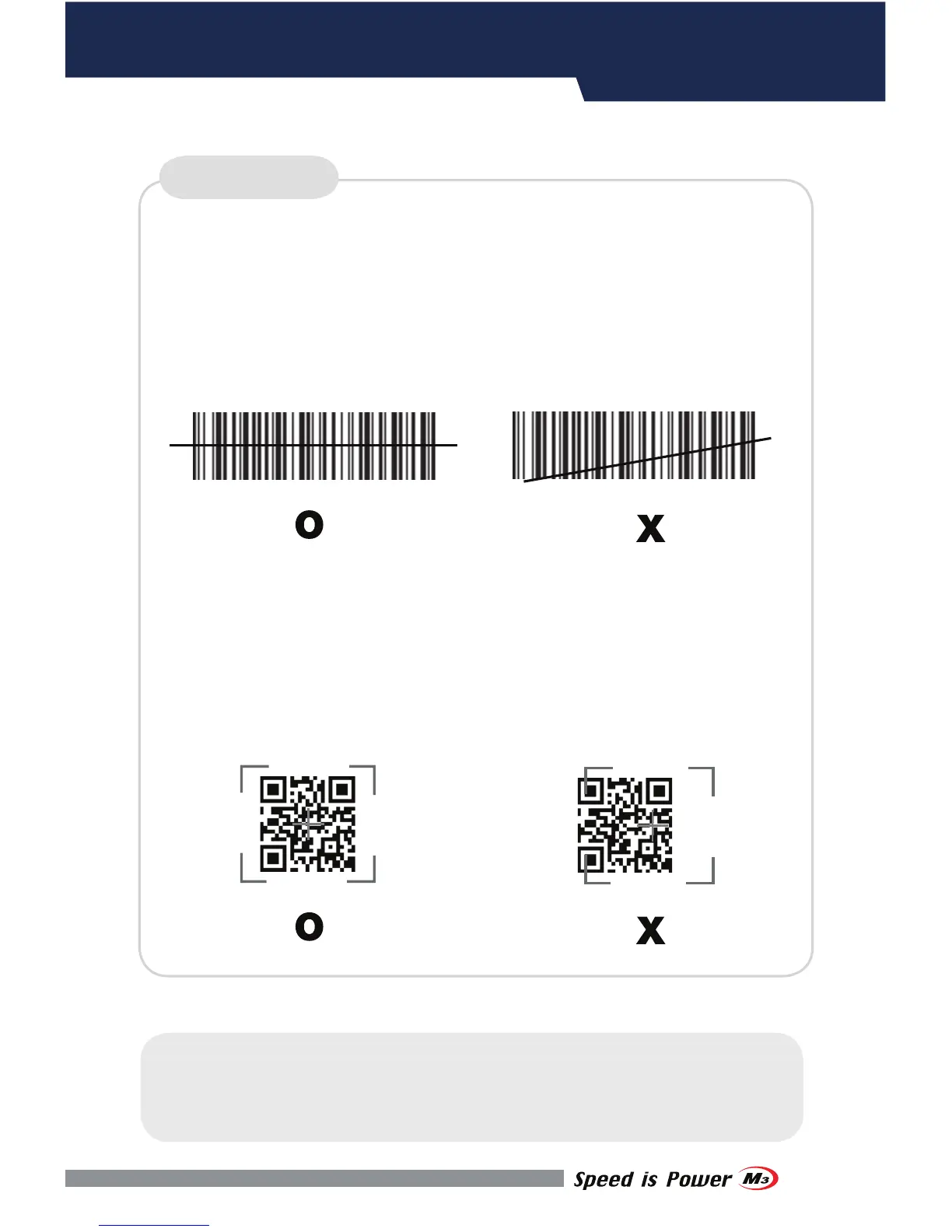
Make sure the laser beam covered whole barcode to read data properly.
Make sure the laser beam covered whole barcode to read data properly.
SCANNER


 To Next Page