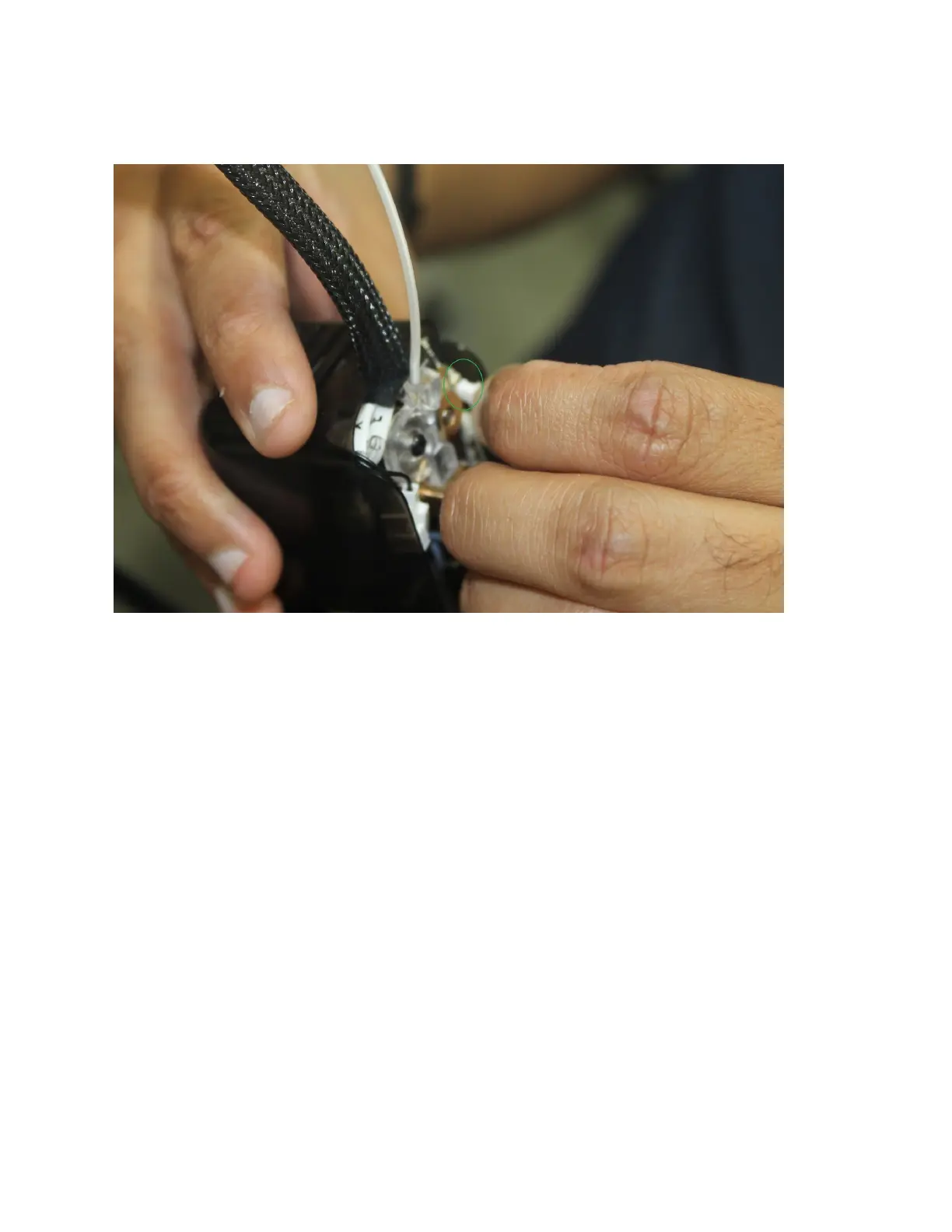
Step 10. Once the front cover is off you will need to unplug the fan cable. The fan cable is
located at the top of the “X Board” located on the right side of the extruder motor.
Step 11. Next we will unscrew the two hex screws holding the top of the extruder core in.
These are small so please keep them in a safe place so you do not lose them. When you have
unscrewed the two screws, grab onto the top of the extruder and gently pull it out.


 To Next Page