MA 4Port Node
Data
Transport
Safety
instructions
Safety and
environmet
Quickstart
Connect
Quickstart
ON / OFF
Maintenance
Conformity
33
Connectivity
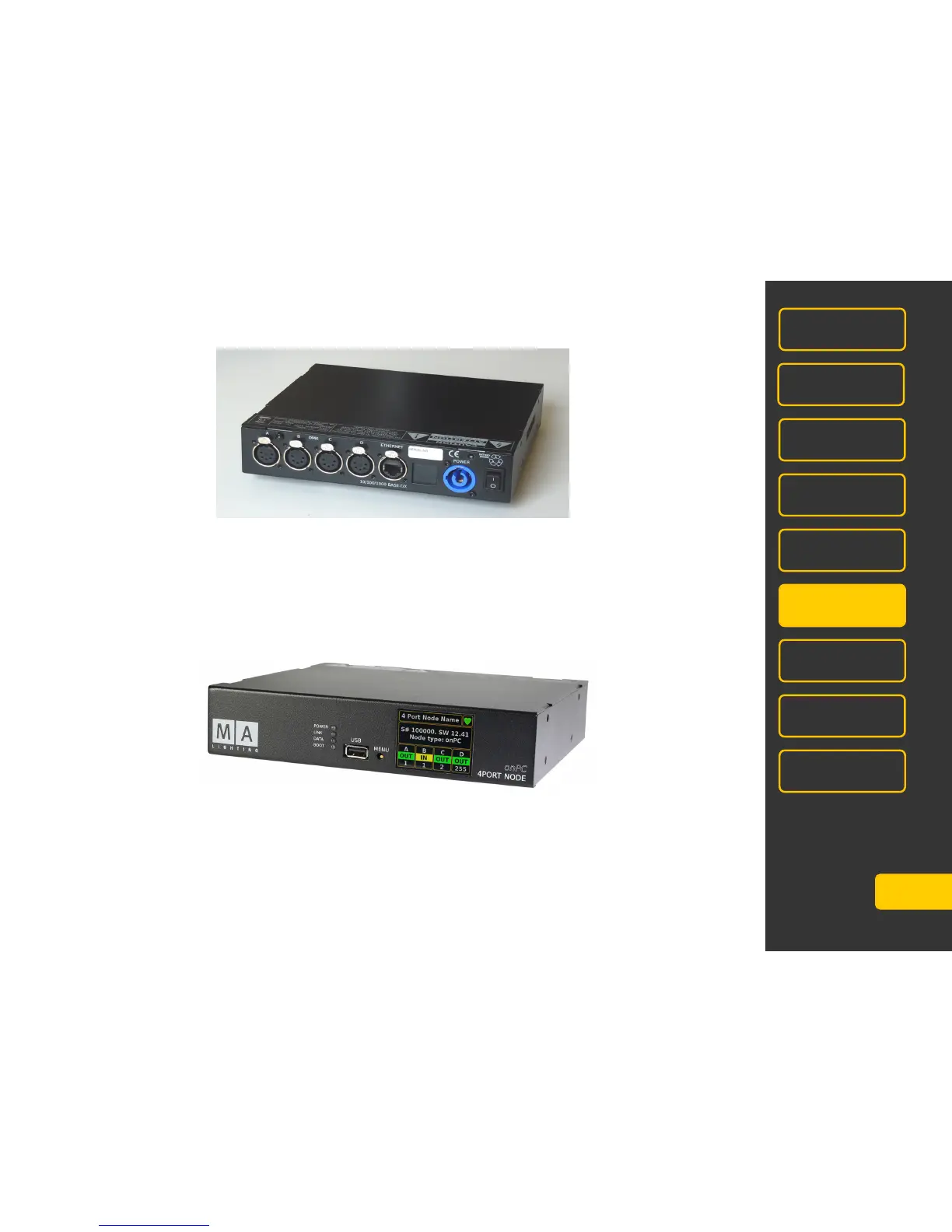
4 x DMX OUT (XLR 5 pin) ports can also be configured to DMX IN
RJ45 Ethernet socket
PowerCon (blue) 100 – 240 V~ (+/- 10%) 50/60 Hz (USA, Kanada)
Automatic operation, no switching necessary!. PowerCon plug (blue) is
Included in delivery. The open end must be fitted with a shock-proof plug and
must meet the local requirements.
Main switch to turn on or off the device
USB socket to update via USB-stick - do not connect peripherals – mouse, keyboard, etc.!
MENU –button to switch the menu and setting of parameters (see also Quickstart ON/OFF)
POWER-LED green steady = device is ready
LINK-LED green steady = light signals correct connection to onPC or console
DATA-LED green flashes = data-traffic
BOOT-LED red lights during the boot process



 To Next Page