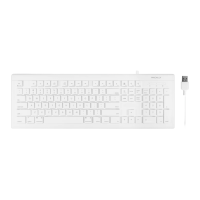
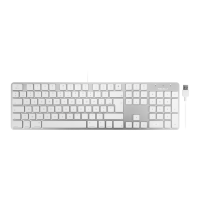
6
noitcnuF noitcnuF
short
cuts
short
cuts
esc/return
screen
brightness
down or up
On-screen
keyboard /
media eject
Volume Down
Volume Up
Search
PrintScreen
Log out and
turn off the
screen
Menu
Play/
Pause
Next Track
Mute
Previous
Track
Home button
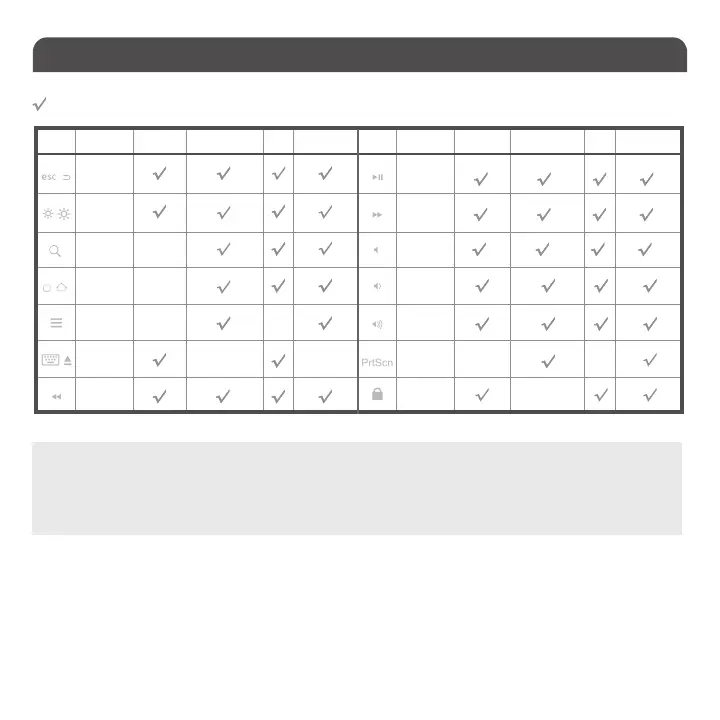
Mac OSX Mac OSXWindows 7/8/10 Windows 7/8/10Android AndroidiOS iOS
means “supported”, blank means “not supportedto the best of our knowledge.“
List of shortcut keys and what systems are supported.
Important Note:
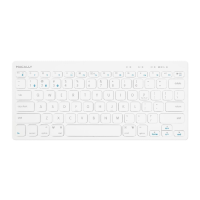
1. Please wait for BTBLTABKEYSG to be connected before entering your user’s password during computer boot up.
2. Pairing light needs to be on and flashing during pairing process. If it’s not flashing, press the Pair button again and
start all over to pair BTBLTABKEYSG with your device.
Shortcut keys

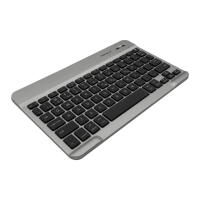

 To Next Page