PrtScn
Pair Off-On
enter
win winalt alt
fn
7
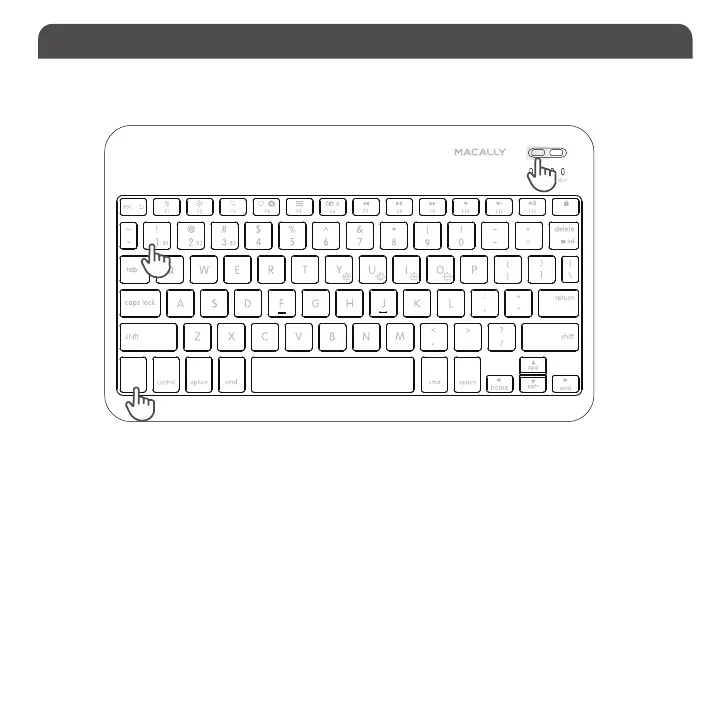
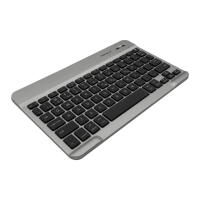
1. After a Bluetooth device(for Mac) is selected, for example B1, the first time use, pairing is required. Press the Pair button
to set keyboard in pairing mode, the device LED flashes blue.
2. Please click the Bluetooth icon in your computer’s menu bar located in upper right corner of
your screen.Make sure Bluetooth is turned to On then select “Open Bluetooth Preferences ...” in the
drop down menu.
Pairing the keyboard with Mac
3. Bluetooth window displays a found Macally Bluetooth keyboard, please click on the “Connect” button next to it.
4. Once pairing is finished, the Bluetooth keyb
oard shows “Connected” status.
5. When Mac prompts you a message, “The keyboard can not be identified...“ please follow Keyboard
Setup Assistant on the screen to identify the keyboard.
1
1
2


 To Next Page