8
9
Pairing the keyboard with Mac
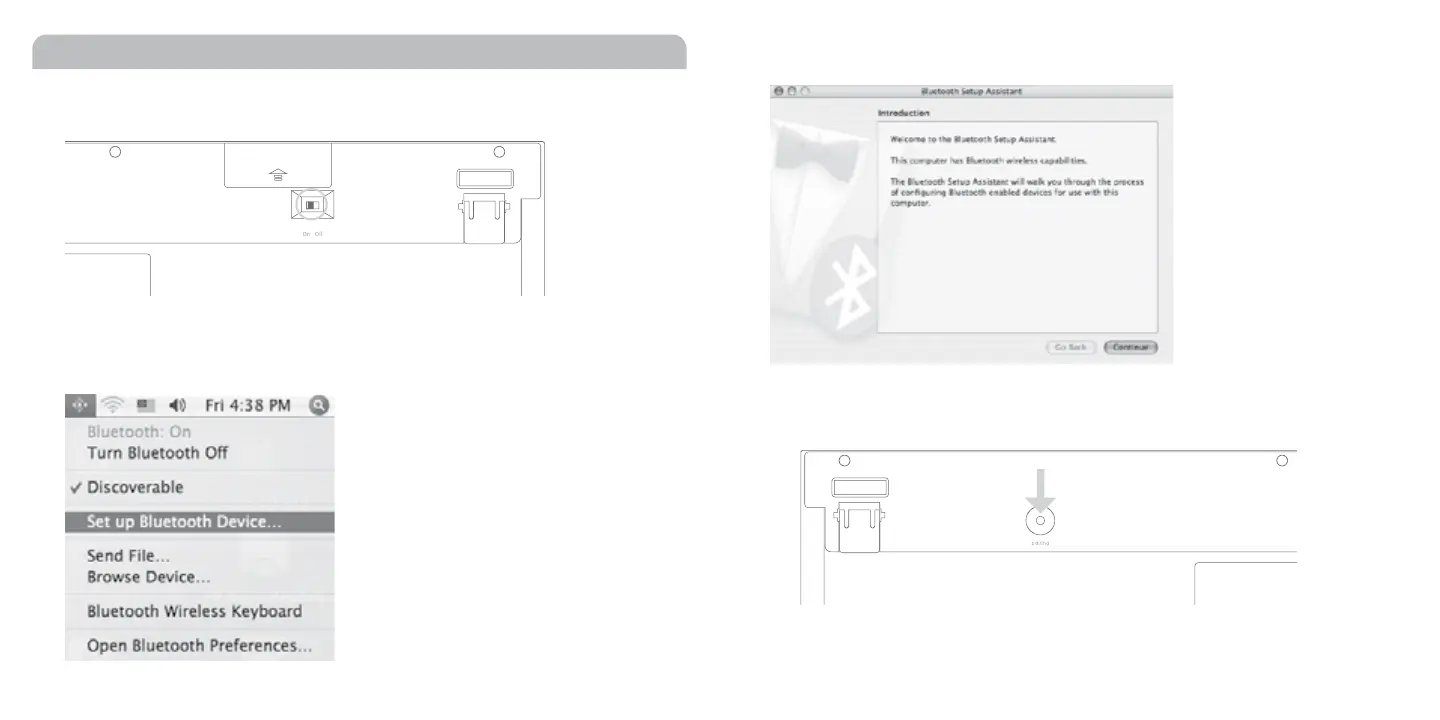
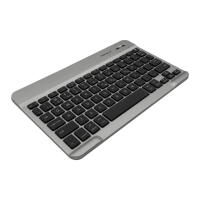
1. Before you start pairing, switch the power button to ON at the bottom of the BTkey.
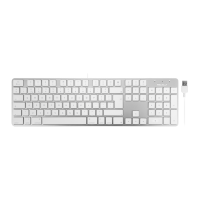
2. Please click the Bluetooth icon in your computer’s menu bar located in upper right corner of
your screen. Make sure Bluetooth is turned to On then select “Set up Bluetooth Device...”
in the drop down menu.
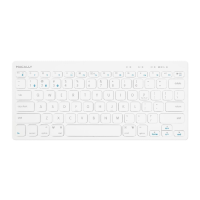
3. Click “Continue“ button. The Bluetooth Setup Assiatant will start searching the BTkey
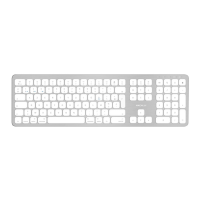
4. Immediately press pairing button at the bottom of the keyboard. Make sure the
Bluetooth pairing LED is flashing at the top of keyboard.


 To Next Page