106 P0010/082016/Rev.0.0
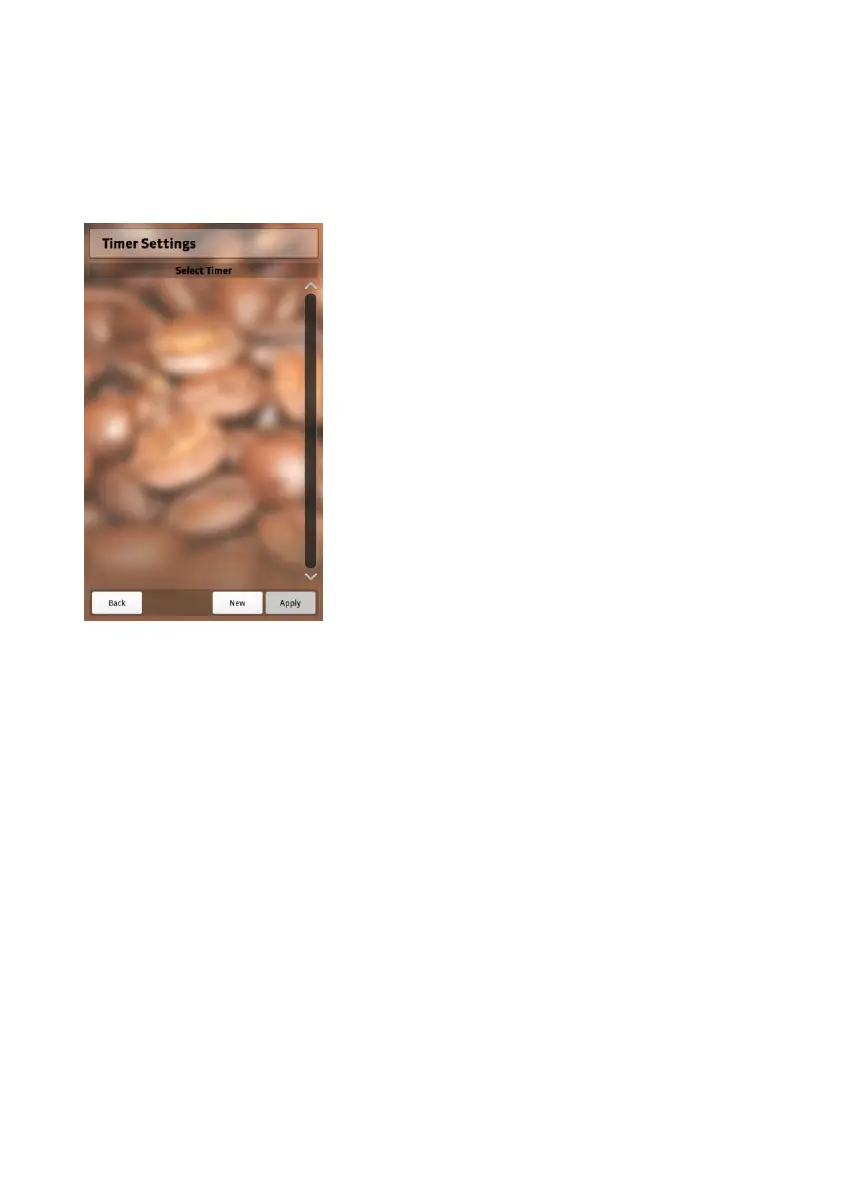
Timer Settings (On/Off mode)
If you want your appliance to switch on/off automatically on specified
days, you can activate different timers:
1. Select “NEW” at the bottom.
2. Turn on the timer.
3. Select an operation to perform.
4. Determine a time at which the timer
should be activated.
5. Determine the days of the week on
which the timer should activate.
6. Select “Apply” to save changes.
7. Leave the timer settings by pressing
the “Back” button.
You learned about the setting the control keys as well as the setting
beverage choices in the “Operating your NEVIS” section.
Be careful when changing the settings.
Some settings may directly affect the performance of the appliance.


 To Next Page