P0010/082016/Rev.0.0 107
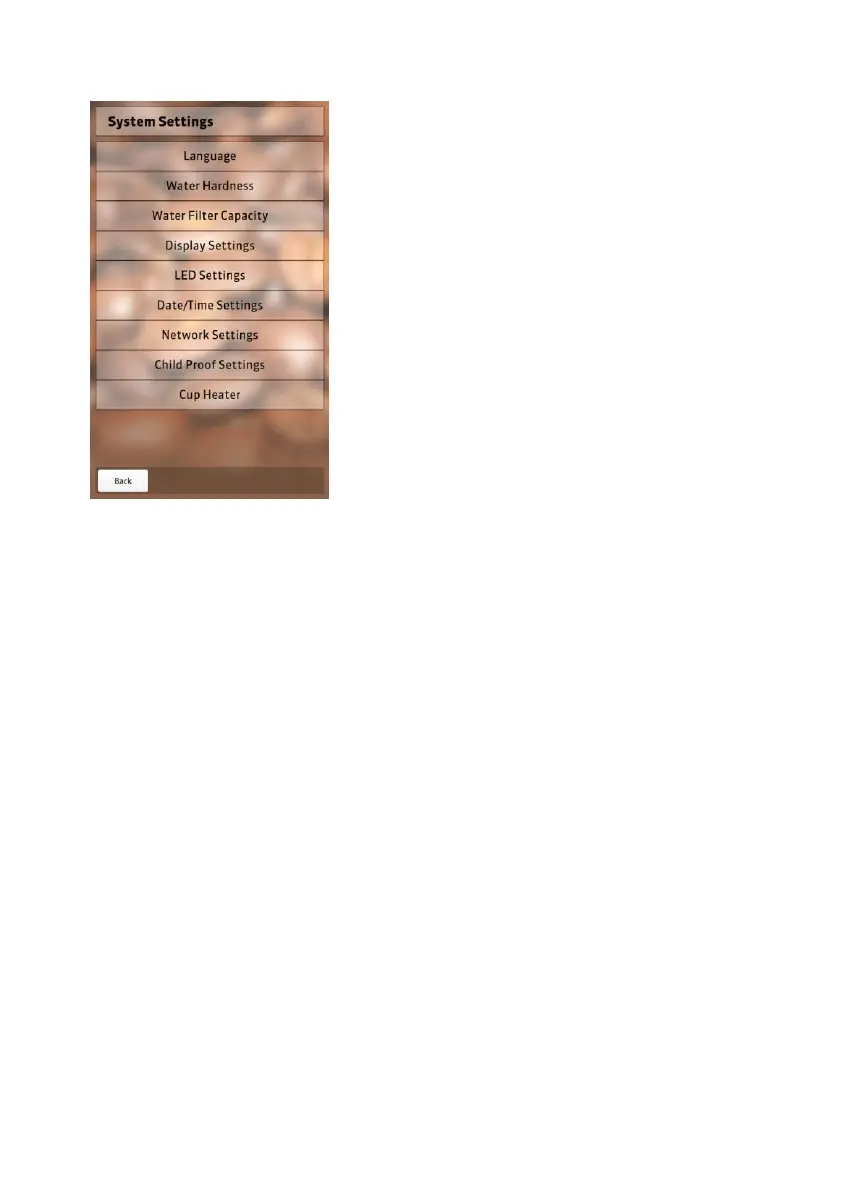
System settings
Language settings
Choose the language in which you
want your NEVIS to operate. The
preset languages are German and
English. Select “Apply” to save
changes. Select “Back” to leave
language settings.
Water hardness
Set the water hardness in 3 steps.
You can check the water hardness by using the enclosed measuring strip.
Hold the measuring strip under the faucet for about 2 seconds and shake
off any excess water.


 To Next Page