Need help?
Do you have a question about the MACHENIKE M-GAME G5 Pro and is the answer not in the manual?
Warnings to prevent controller damage from liquids, heat, dust, and magnetic fields.
Guidance on using the controller to avoid hand fatigue, soreness, or skin reactions.
Lists the items included in the product package, such as the controller and cables.
Instructions for cleaning the controller and avoiding damage from solvents or moisture.
Step-by-step guide for pairing the controller using the 2.4G dongle.
Steps to establish a Bluetooth connection between the controller and a PC.
Steps to pair the controller with iPhones and iPads using Bluetooth.
Steps for pairing the controller with a Switch console wirelessly.
Guide for connecting the controller to a Switch console using a USB cable.
Guide to pair the controller with Android phones, tablets, and TVs via Bluetooth.
Instructions for connecting the controller to Android devices using a USB cable.
Detailed steps for calibrating Hall linear joysticks and triggers.
Instructions for performing automatic calibration of the motion sensing function.
How to adjust controller lighting brightness/effects and vibration intensity.
Information on battery display, motion sensing, and air mouse functions.
Guide to creating and clearing custom macro button assignments for M1/M2.
How to toggle dead zones for sticks and switch between 2.4G/Wired modes.
How to enable and utilize Turbo and Quick Trigger functions for rapid input.
How to manage and switch between the controller's four onboard profiles.
Steps to reset the controller when it becomes unresponsive or unrecognized.
Legal notice concerning trademarks of various companies and systems.
Detailed technical data including operating current, battery capacity, and charging time.
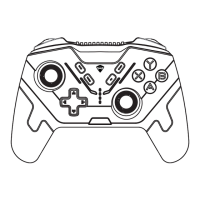
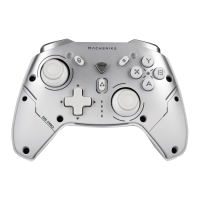
Explains the function of each button, joystick, trigger, and switch on the controller.
Section to record customer information and purchase date for warranty claims.
 General
| Hall Effect Joysticks | Yes |
|---|---|
| Connectivity | Wired (USB-C) |
| Compatibility | PC, Android |
| Vibration Feedback | Yes |
| Battery Capacity | N/A (Wired) |
| Analog Sticks | Yes, Hall Effect |
| Buttons | ABXY, D-pad, Triggers, Bumpers |

 To Next Page