Need help?
Do you have a question about the MACHENIKE HG510W PRO and is the answer not in the manual?
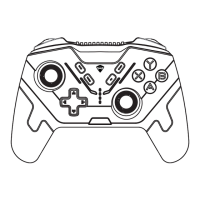
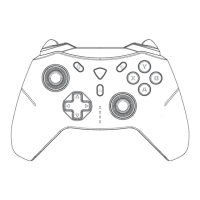
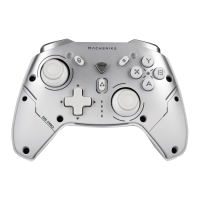
Visual guide detailing all buttons, sticks, and directional pad on the gamepad.
Details on wireless modes (Xinput, Dinput, Switch, iOS) and device names for connection.
Steps to enter pairing mode and connect the controller wirelessly.
How to connect the gamepad using the provided USB cable.
Compatibility with Windows 8/10/11 for Xinput and S modes, and game types.
Step-by-step guide to wirelessly connect the gamepad to a Windows PC via Bluetooth.
Steps to wirelessly pair the controller with a Nintendo Switch.
Detailed steps for wireless pairing with iOS devices.
Detailed steps for wireless pairing with Android devices.
 General
| Battery Life | Up to 15 hours |
|---|---|
| Model | HG510W PRO |
| Type | Gamepad |
| Compatibility | iOS |
| Connection | Wireless |
| Vibration Feedback | Dual Motors |
| Charging Time | 2 hours |
| Features | Programmable Buttons, Turbo Function |
| Battery | 600mAh Lithium Battery |


 To Next Page