42
04.07.2014
6. Memory
In the standard mode of operation the memory is activated. All measurement data are
stored
in the PF-12
Plus
. Stored data can be transferred to a PC using the free-of-charge
MACHEREY-NAGEL data export software. The PF-12
Plus
allows the user to search the mem-
ory and select specific data.
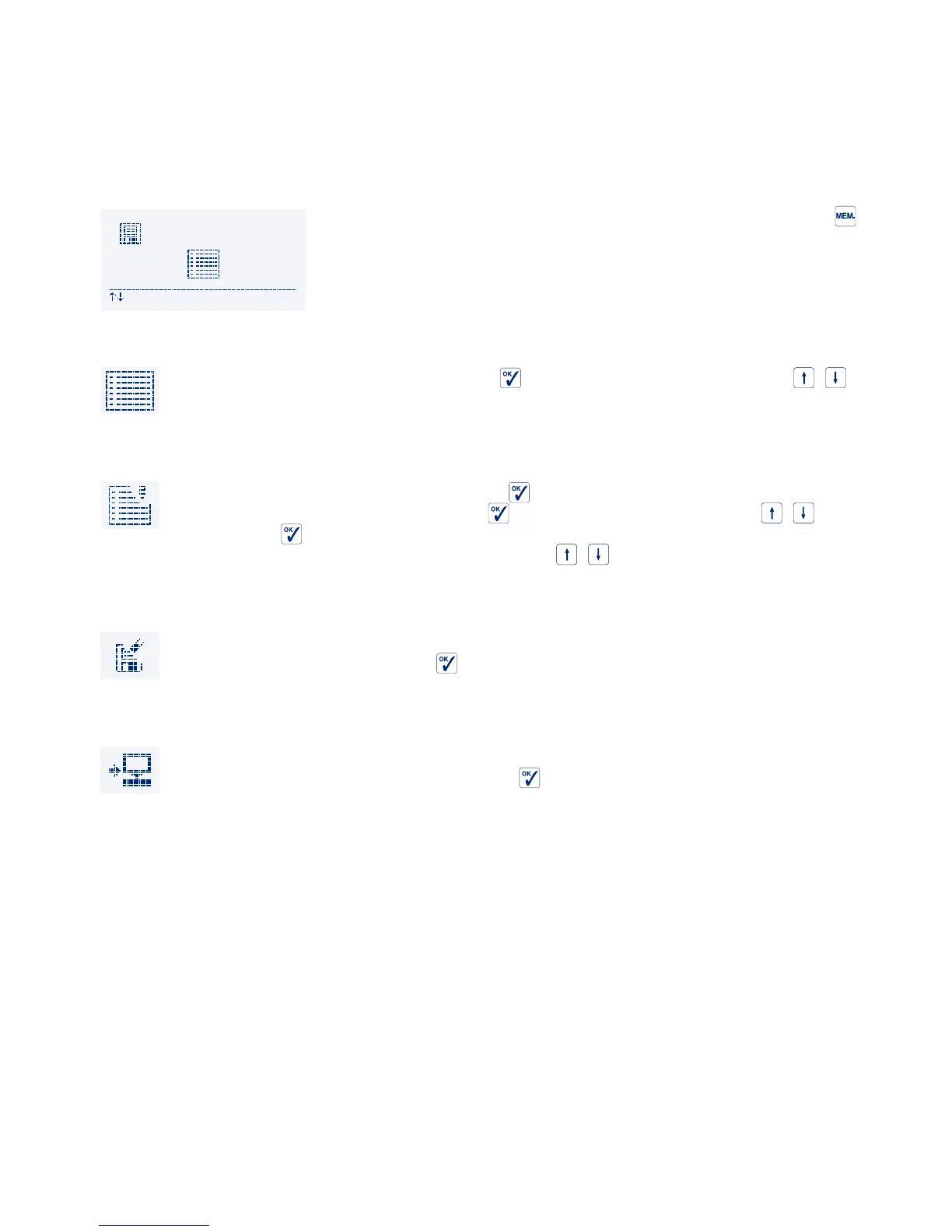
The icon based memory menu is accessed by pressing in the
method selection mode. The icons have the following meaning
and function:
6.1 Display memory
Confirm the icon “Display memory” with . Scroll through the data sets with / .
6.2 Search memory
Confirm the icon “Search memory” with . Select data with a specific date, loca-
tion or method number. Confirm with
. Select the option “Find” with / and
confirm with
to start the search. If no criteria are defined, the complete memory
is shown and you can scroll through the data sets with
/ . When leaving this menu the
search criteria are deleted.
6.3 Delete memory
The complete memory is deleted. This happens after an additional security check
which has to be confirmed with
.
6.4 Output memory
The data can be transferred to a terminal program via the USB port of the PF-12
Plus
by selecting this icon and confirming with
.



 To Next Page