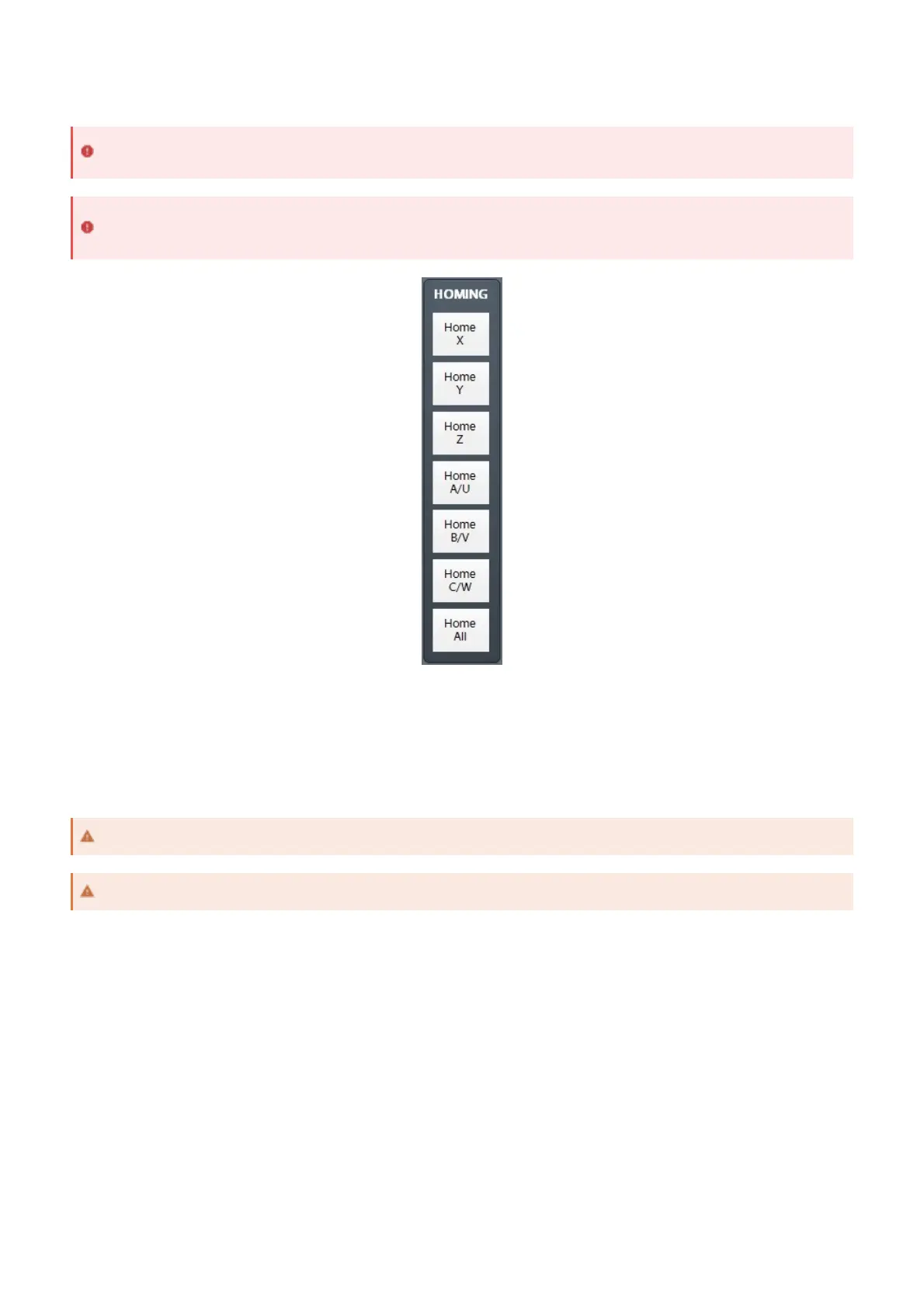
Homing should now be completely set up. Home each axis individually to verify the configuration. Press the Home
All button again to make sure everything works correctly.
After the machine is homed, soft limits can be set up. These limits affect the motion planning so that the axes will not
go outside of the designated area.
The soft limits of the machine are denoted on the toolpath by dashed lines. When a gcode file is loaded, if any part of
the toolpath renders outside of the soft limits, check your file or fixture offsets.
First Homing
If homing is incorrectly configured, the machine could crash. Be prepared to trigger Emergency Stop until
configuration is verified.
If limit switches are to be used on your machine, it is recommended to set those up before homing. See Limit
Switches.
Soft Limits
While the home switch may be outside of soft limits, machine zero must be inside soft limits.
Soft limits must be contained to stay within any physical limit switches in order to be effective.


 To Next Page