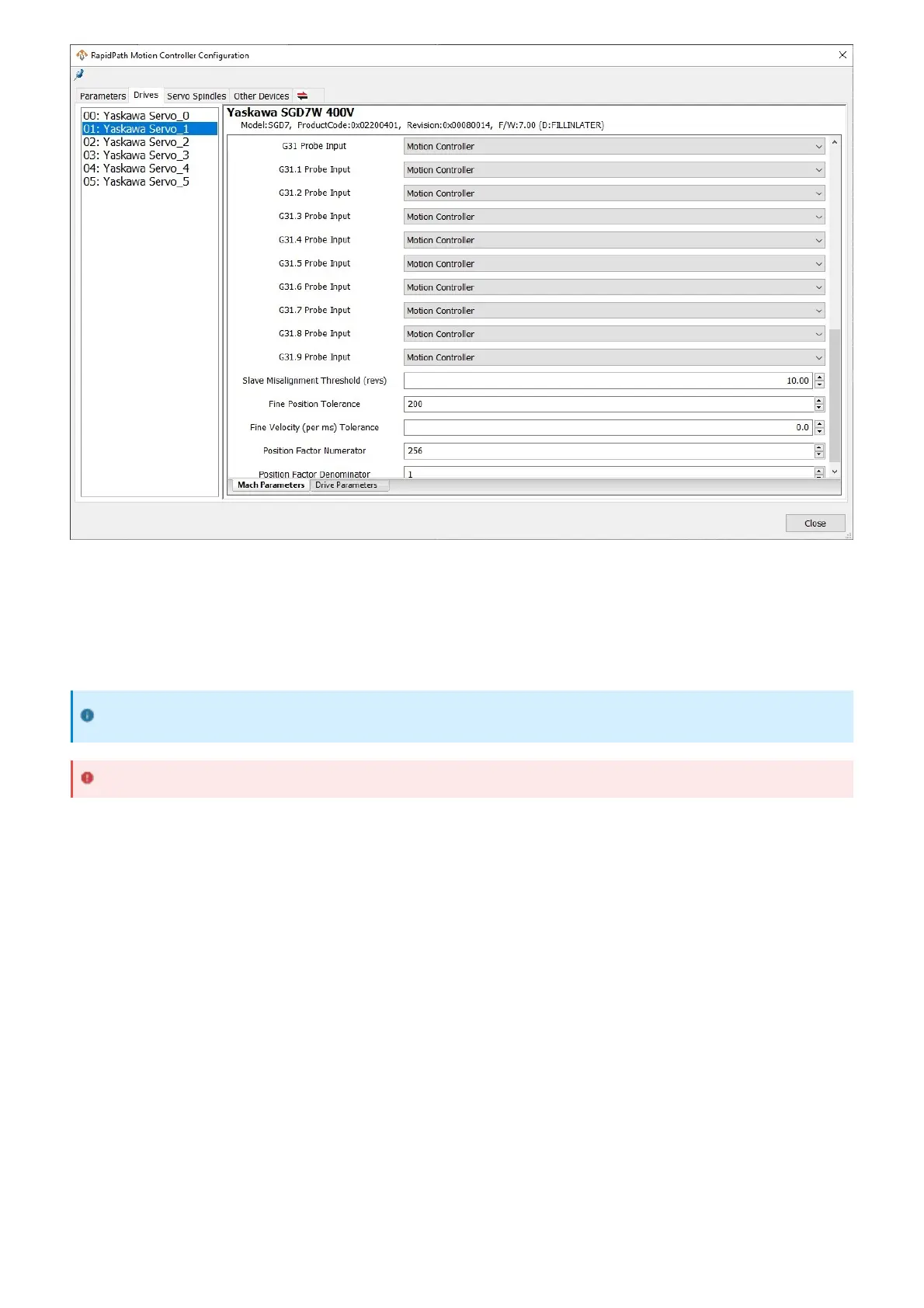
All enabled signals can be seen on the main screen by going to the Service -> Machine I/O page. There will be a list
of enabled input signals, a list of enabled output signals, and a list of I/O points. The input signals and output signals
will be populated automatically from all enabled signals in the configuration window. They will be labeled by the user
description field if it was filled out; otherwise, it will be the default signal name. Each signal will have a green LED next
to it if the signal is currently on. Output signals can be turned on manually by double-clicking on them in the list.
I/O points can be manually added to the I/O list.
1. Right-click on the list and select Configure Widget.
2. Select the device that owns the I/O point you would like to add.
3. Select the I/O point from the list.
4. Press Add to add it to the I/O list.
5. Press Close to close the configuration window.
To remove an I/O point from the list:
1. Right-click on the I/O point in the list to remove.
2. Select Remove X, where X will be the name of the I/O point.
Verifying Signal Mapping
It is recommended to verify input mappings by manually triggering inputs and verifying they are reflected on
this page.
Use caution when manually activating output signals.


 To Next Page