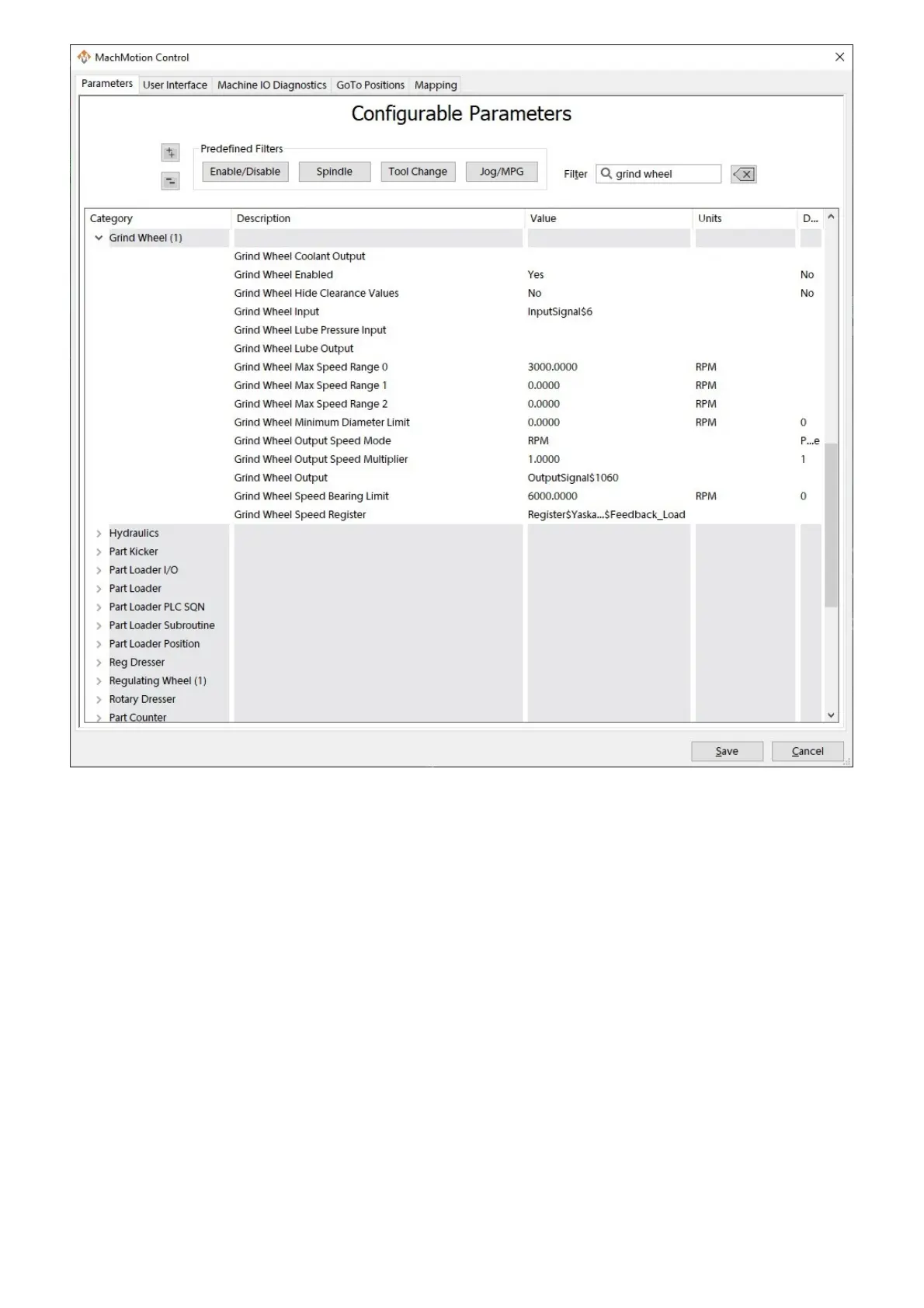
The regulating wheel on centerless machines can be controlled as a VFD or a servo spindle.
1. On the menu bar, click Configure -> Control, then select the Input Signals tab.
2. Map a generic input to the relevant At Speed input on your device. The specific name will vary based on the
device you are using.
3. Select the Output Signals tab.
4. Map a generic output to the relevant Forward output on your device. The specific name will vary based on the
device you are using.
5. Press Apply to save any changes and OK to close the configuration window.
6. On the menu bar, click Configure -> Plugins -> MachMotion, then select the Parameters tab.
7. Go to the Regulating Wheel (1) section.
8. Set the Regulating Wheel Enabled parameter to Yes.
9. Set the Regulating Wheel Accel Decel Time parameter to appropriately for your device.
10. Set the Regulating Wheel Input parameter to the input signal that has the At Speed input mapped to it.
1. Double-click the value field to open a selector window.
2. Select Input Signal for the type field.
3. Select the mapped signal for the second field. It will show the user description if one was added.
4. Click OK to save your setting.
11. Set the parameters for Regulating Wheel Max Speed Range 0, Regulating Wheel Max Speed Range
1, and Regulating Wheel Max Speed Range 2 appropriately for your machine.
12. Set the Regulating Wheel Output Speed Mode parameter to RPM.
13. Set the Regulating Wheel Output parameter to the output signal that has the Forward output mapped to it.
1. Double-click the value field to open a selector window.
2. Select Output Signal for the type field.
3. Select the mapped signal for the second field. It will show the user description if one was added.
4. Click OK to save your setting.
Centerless Grinder - Reg Wheel


 To Next Page