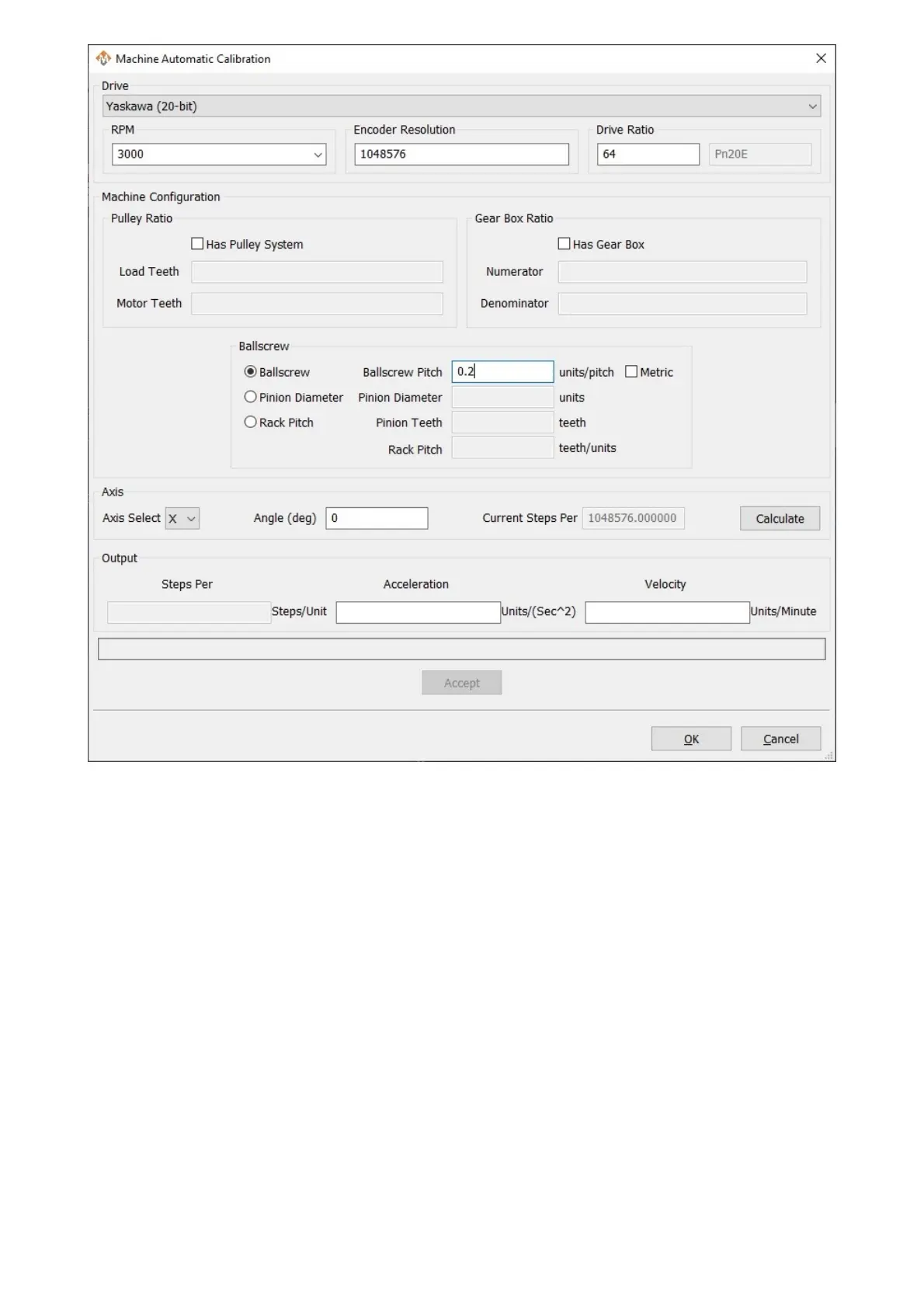
Manual unit calibration does not require any knowledge of the machine mechanics, but does require an accurate way
to measure distance moved by an axis.
1. On the menu bar, click Configure -> Plugins -> Machine Calibration , then select Manual Calibration.
2. Select the axis to calibrate.
3. Select Commanded Distance.
4. Enter the distance to move the axis and the feedrate to move at.
5. Press the Enable button to enable the machine for motion.
6. Press the Move button to start motion on the selected axis.
7. Enter the actual distance moved and click Submit.
8. Click Accept to write the units to the motors.
9. Repeat on all axes until satisfied with accuracy of the machine.
10. Click OK and restart the software to save the changes.


 To Next Page