Additional Procedures Battery Replacement - 7
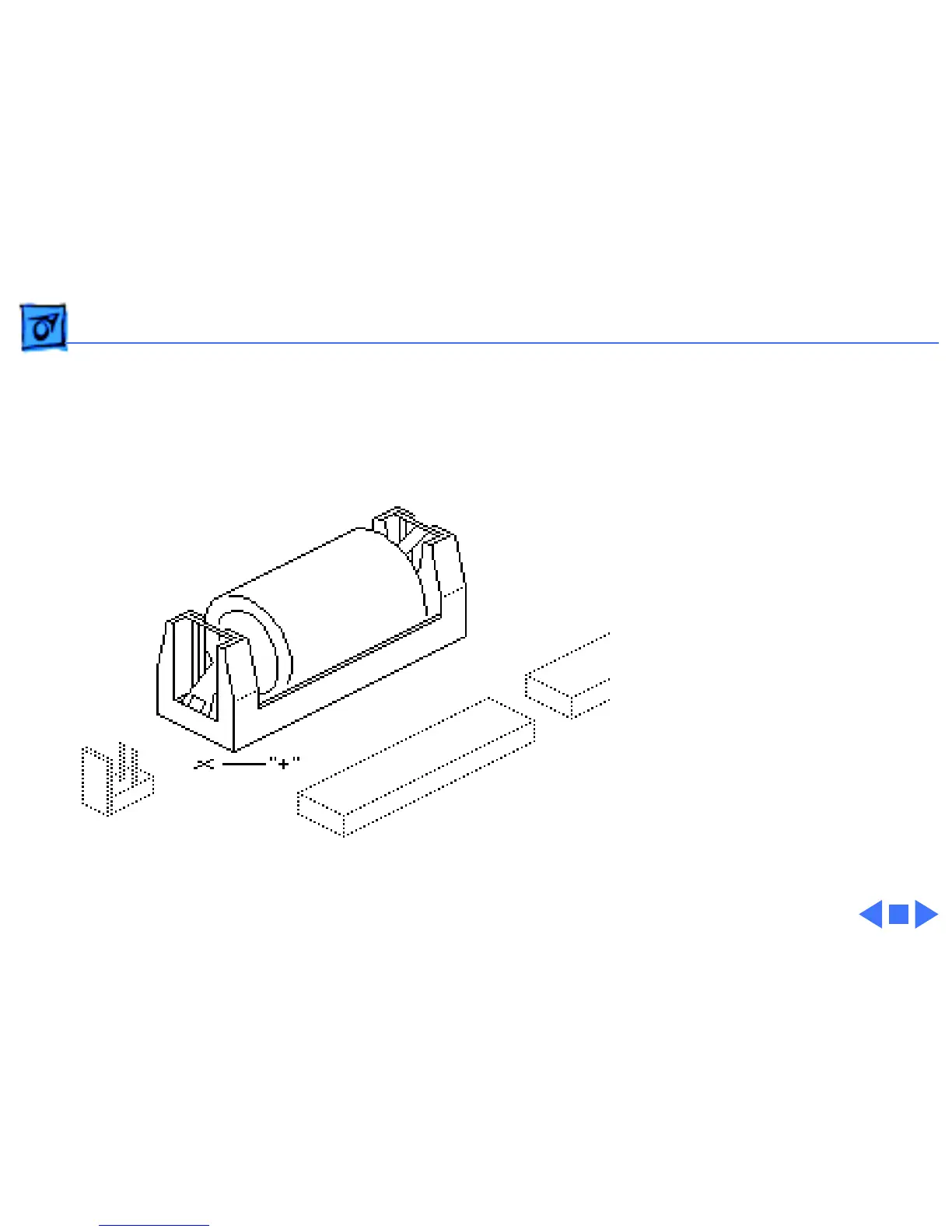
Replacement Note:
When
replacing the new battery,
orient it so that the end
marked “+” matches the
“+” on the logic board.
Replacement Note:
On
solder-type logic boards,
insert the leads of the new
battery into the extra set of
mounting holes just inside
the original mounting holes.



 To Next Page