Take Apart Analog Board & Power Supply - 11
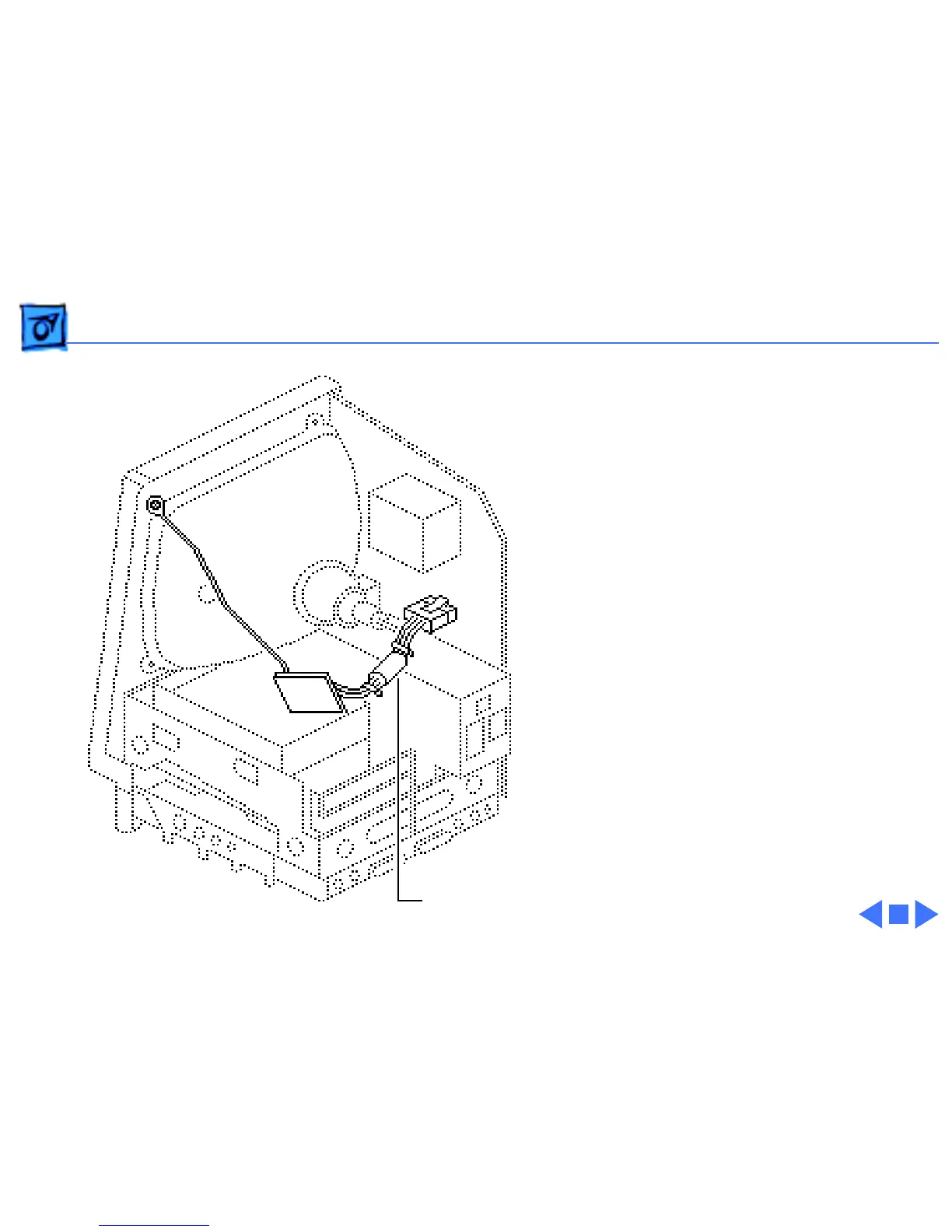
Replacement Note:
If you
receive a replacement analog
board that is packaged with a
ferrite bead, and if the
customer’s video cable does
not have a ferrite bead
attached, install the
packaged ferrite bead on the
video cable as shown.
Secure the ferrite bead to
the cable with a tie-wrap.
Replacement Note:
If you
replace the analog or power
supply, perform the video
adjustment procedure. See
“Video” in Adjustments.
Ferrite Bead



 To Next Page