Take Apart Logic Board - 15
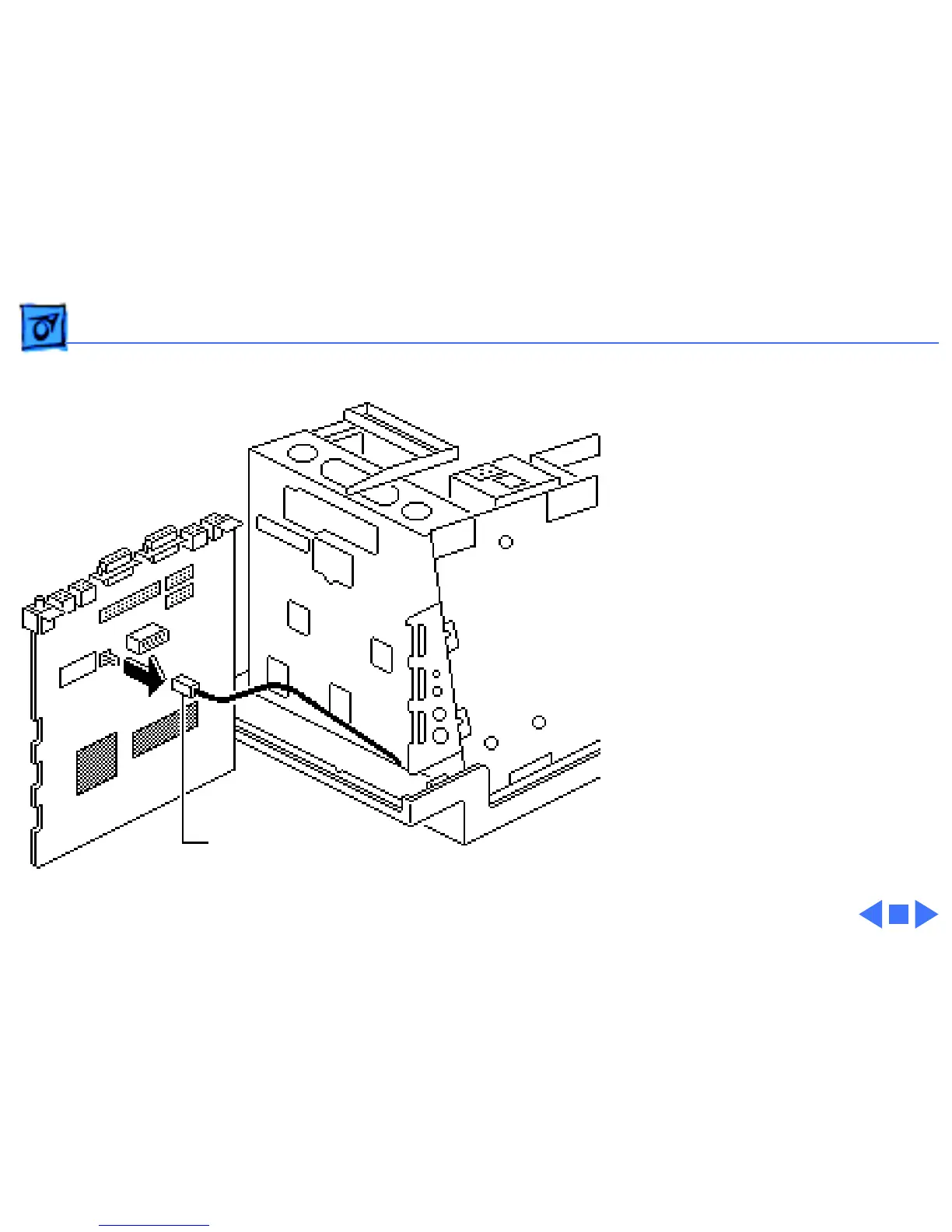
4 Disconnect the speaker
cable from the logic
board.
Replacement Note:
If you
are replacing a defective
logic board, you must use an
exchange logic board that is
configured the same as the
customer’s original board.
See “Identifying SE Logic
Boards” in the Additional
Procedures chapter for
more information.
Speaker Cable



 To Next Page